

Equipment Maintenance Software

Diesel Engine Service Support App
The Diesel Engine Service Support App helps fleet operators, equipment owners, service technicians, repair shops, and field maintenance teams coordinate support for diesel engines. Users can request engine or diagnostic service, review maintenance records, monitor service status, and consult engine guides from one convenient location. This focused experience makes it easier to document completed work, identify upcoming service needs, connect records with specific engine models, and give technicians useful context before an inspection or repair. It is well suited to trucking companies, construction businesses, agricultural operations, equipment rental providers, and independent diesel service teams that want clearer communication and more consistent maintenance processes.Jotform makes this app template easy to adapt with a no-code app builder and an intuitive drag-and-drop interface. Add branded pages, update navigation, connect forms and tables, or organize guides without writing code. Requests and maintenance information can feed connected workflows, helping teams centralize data collection and reduce scattered service communications. Once the Diesel Engine Service Support App is ready, publish it for mobile-friendly self-service and share it with drivers, operators, technicians, or customers through a direct link or QR code. Jotform App Templates provide a practical starting point while leaving room to tailor the experience to your engines, services, and operating procedures.
Go to Category:Equipment Maintenance Software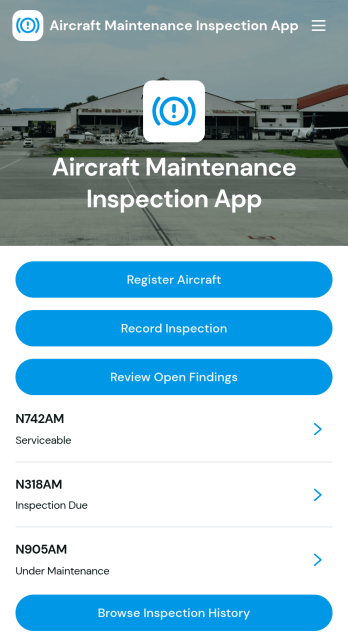
Aircraft Maintenance Inspection App
Aircraft Maintenance Inspection App is an operational workspace for maintenance teams, aircraft operators, inspectors, repair facilities, and fleet managers who need a consistent way to document aircraft condition and maintenance activity. Teams can register aircraft, record inspections, review open findings, and browse maintenance reports or inspection history from one organized location. This app template helps reduce scattered records, makes unresolved findings easier to identify, and gives authorized team members clearer information when planning maintenance work. It is suitable for routine inspections, post-maintenance reviews, fleet oversight, and internal quality processes across organizations managing one aircraft or a larger fleet.Jotform makes the Aircraft Maintenance Inspection App easy to adapt with a no-code app builder and a flexible drag-and-drop interface. Customize pages, navigation, branding, and connected forms without writing code, then organize data collection and workflow steps around your maintenance process. Jotform App Templates can connect with tables, approvals, notifications, and other tools to support timely follow-up and dependable recordkeeping. Publish the app template with a shareable link or custom URL so inspectors, technicians, and managers can access a mobile-friendly self-service resource wherever maintenance work takes place.
Go to Category:Equipment Maintenance Software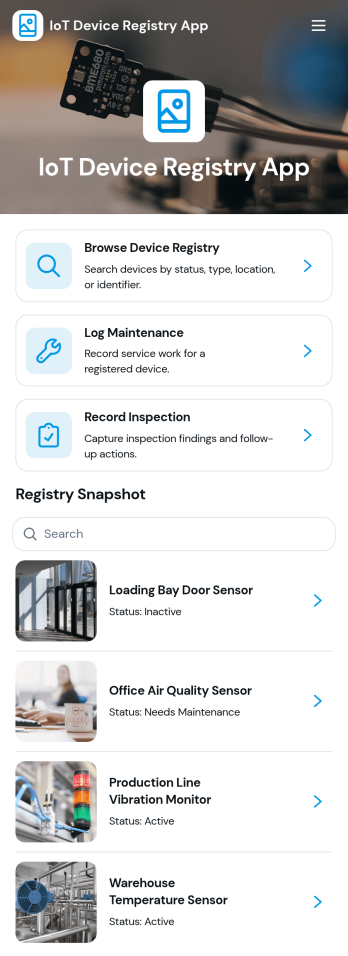
IoT Device Registry App
IoT Device Registry App is a centralized asset record template for IT teams, engineering departments, facilities managers, field service providers, and organizations that operate connected devices across multiple locations. Staff can browse the device registry, add or update equipment records, and document maintenance and inspections from one accessible workspace. Key information such as device identifiers, manufacturers, models, deployment dates, locations, inspection history, and notes stays organized for faster reference. This reduces reliance on scattered spreadsheets and gives authorized teams a clearer view of deployed equipment throughout its operational life.Jotform turns this IoT Device Registry App into a customizable experience without requiring programming knowledge. Use its no-code app builder and drag-and-drop interface to adjust pages, navigation, branding, and content for your asset management workflow. Connected forms support consistent data collection, while Jotform Tables can keep device entries and operational updates together. Publish the app with a direct link, share it by QR code, or embed it in an internal resource center so employees and technicians can access self-service tools from a phone, tablet, or computer. Jotform app templates also make it easy to expand the registry as device inventories, teams, and maintenance processes evolve.
Go to Category:Information Technology Apps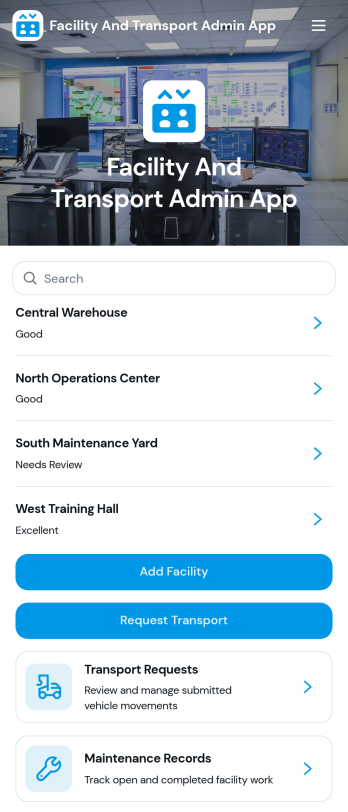
Facility And Transport Admin App
Facility And Transport Admin App is an app template for coordinating facility records, transport requests, maintenance work, and operational reporting from one central location. It suits facilities administrators, transport coordinators, property teams, schools, hospitality groups, nonprofits, and growing businesses that need a clearer view of day-to-day operations. Staff can register facilities, submit or update transport requests, log maintenance activity, and open reports without relying on scattered documents or disconnected messages. This shared approach improves request visibility, helps teams follow outstanding work, and keeps important facility and transport information easier to access.Jotform makes this Facility And Transport Admin App easy to adapt with a no-code app builder and a flexible drag-and-drop interface. Teams can customize pages, cards, buttons, branding, and navigation while connecting forms, tables, notifications, approvals, and other workflow steps. Like other Jotform App Templates, this app template supports mobile-friendly self-service and organized data collection for employees, contractors, and managers. Publish it with a shareable link or QR code to give authorized users convenient access wherever operations take place.
Go to Category:Operations & Logistics Portal Apps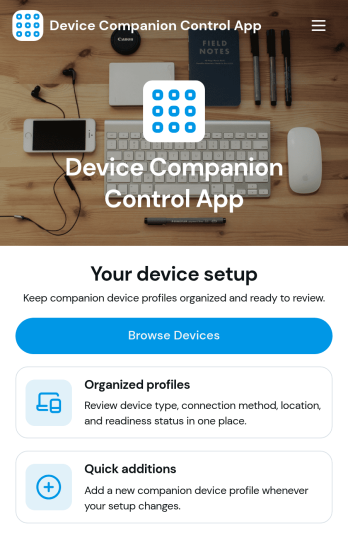
Device Companion Control App
Device Companion Control App is a customizable central interface for helping users access device controls, support resources, setup guidance, and related service actions from one convenient page. It can serve device manufacturers, equipment providers, information technology teams, field technicians, and businesses that want to give customers or employees a consistent companion experience. The template is especially useful for organizing frequently used actions without sending users across disconnected channels. Teams can adapt its page to provide resource navigation, device-related requests, and self-service support while maintaining a clear, branded experience.Jotform makes this app template easy to shape around different devices and operating processes. Its no-code app builder and drag-and-drop interface let teams update the page, add useful content, and connect forms or workflows without programming. The app can support data collection, notifications, approvals, and other connected processes as requirements develop. Once customized, it can be shared through a direct link or QR code for convenient mobile access. Jotform App Templates also help organizations launch quickly while retaining control over branding, navigation, and future updates.
Go to Category:Information Technology Apps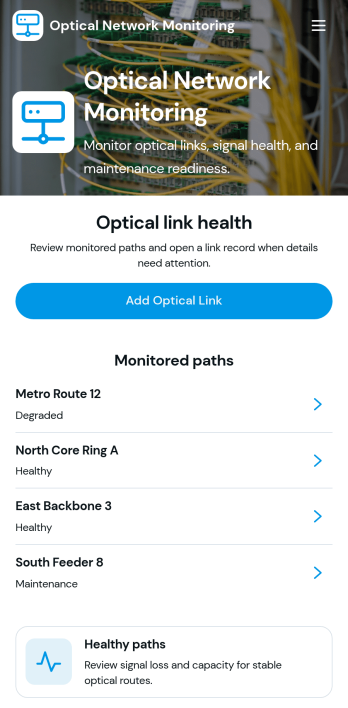
Optical Network Monitoring App
The Optical Network Monitoring App is a customizable workspace for telecommunications teams, network operations staff, field technicians, engineering groups, and service providers that need a central place to support optical network oversight. It can be adapted to organize performance observations, incident reports, maintenance requests, equipment records, and escalation details without relying on scattered documents. Teams can add connected forms for data collection, provide quick access to network resources, and coordinate follow-up workflows. This app template is particularly useful for supporting routine monitoring activities, documenting outages or signal issues, and giving technical teams a consistent way to record operational updates.Jotform makes it easy to turn the starter page into a practical monitoring experience using a no-code app builder and a drag-and-drop interface. Add pages, buttons, forms, tables, reference materials, and approval steps as your network operations evolve. Connected workflows can notify the appropriate team members, organize submitted records, and support self-service reporting for technicians. Like other Jotform App Templates, the Optical Network Monitoring App can be branded, shared by link or QR code, and accessed from mobile devices, helping teams build a useful operational resource without writing code.
Go to Category:Information Technology Apps
Machine Control Dashboard App
Machine Control Dashboard App brings key machine information into one place so teams can monitor equipment status and keep action items moving. Use it on the shop floor, in a maintenance office, or across multiple sites to view machines in a clear list, open machine details, and quickly take the next step when something needs attention. With direct paths to report maintenance issues and submit machine inspections, it supports consistent routines for operators, technicians, supervisors, and facilities teams without relying on scattered messages or manual handoffs.Built with Jotform, this app template helps you publish a mobile-friendly dashboard using a no-code app builder and a drag-and-drop interface. Connect the experience to forms and tables to keep data collection organized, route updates to the right people, and create a simple self-service workflow for inspections and maintenance reporting. Customize the layout, branding, and sharing settings so each team sees the same up-to-date picture of machine activity.
Go to Category:Engineering Apps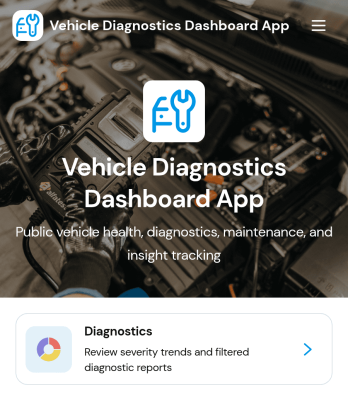
Vehicle Diagnostics Dashboard App
Vehicle Diagnostics Dashboard App brings your vehicle records, diagnostic reports, and maintenance logs into one easy-to-navigate dashboard. It’s built for fleet managers, auto repair shops, field service teams, and owner-operators who need a clear view of vehicle health status, mileage, and recent issues without digging through scattered notes. With quick actions to add vehicles, record diagnostics, and log maintenance, teams can keep histories current and make faster decisions on what to inspect, prioritize, or schedule next.Jotform makes it simple to turn this app template into a branded, shareable workflow using a no-code app builder and a drag-and-drop interface. Connect buttons to your forms for data collection, route updates into organized records, and keep a consistent workflow across locations or technicians. Share the dashboard for self-service access on mobile devices, and tailor pages and navigation so the right people can view vehicle info, capture diagnostic details, and track follow-up actions from one place.
Go to Category:Automotive Apps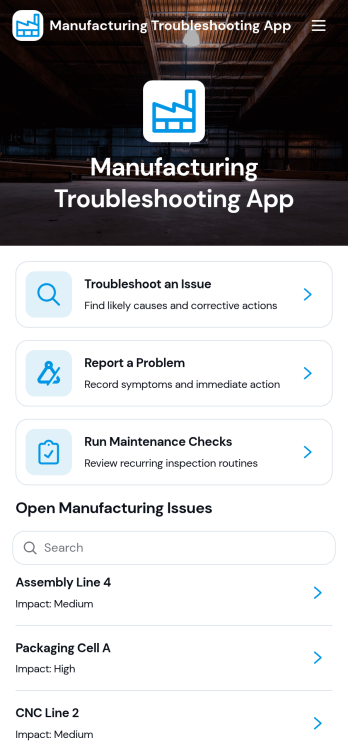
Manufacturing Troubleshooting App
Manufacturing Troubleshooting App helps production teams respond faster when equipment or line issues disrupt output. It brings together troubleshooting guides, a clear list of open manufacturing issues by machine or line, and a simple way to report problems so operators and technicians can capture symptoms, actions taken, and reported dates in one place. Use it on the shop floor to standardize how incidents are logged, guide teams through diagnostic steps, and reduce confusion during shift handoffs.Built with Jotform, this app template can be tailored with a no-code app builder and a drag-and-drop interface to match your plant’s processes. Connect the app to your data collection workflow so reported problems and maintenance checks stay organized, searchable, and easy to review. Share the app through a link or QR code to support self-service access for operators, maintenance staff, and supervisors, while keeping troubleshooting resources and reporting paths consistent across lines.
Go to Category:Engineering Apps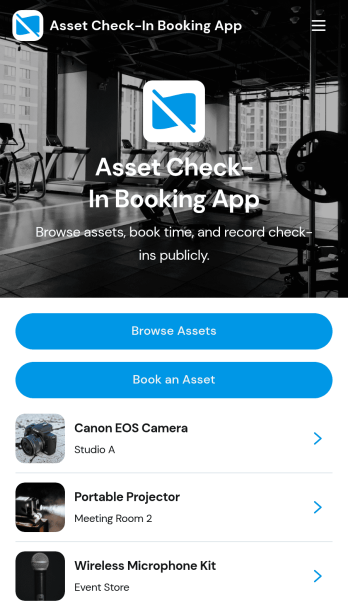
Asset Check-In Booking App
Asset Check-In Booking App helps teams browse shared equipment, reserve the right item for a specific time window, and record returns in one place. It works well for offices, schools, studios, IT teams, and field operations that manage loaner devices, tools, rooms, or other high-demand assets across multiple locations. With simple navigation for browsing assets, creating bookings, and logging check-ins, teams reduce double-booking, improve visibility into availability, and keep asset handoffs organized.Jotform makes it easy to publish this app template and tailor it to your workflow with a no-code app builder and a drag-and-drop interface. Connect booking and check-in actions to forms and your data collection process, keep asset records organized, and share a single self-service experience with staff or approved users. As your workflow grows, you can adjust pages, permissions, and connected tables so the app stays aligned with how your team tracks assets and bookings.
Go to Category:Booking Apps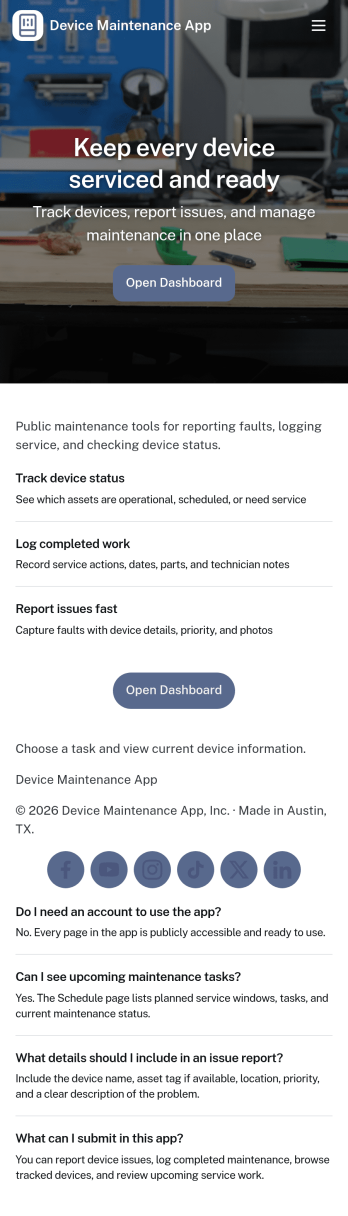
Device Maintenance App
Device Maintenance App brings your equipment upkeep into one place so teams can find devices, submit service requests, and review maintenance history without hunting through emails or spreadsheets. It works well for IT teams, facilities staff, lab managers, and operations leaders who need a simple way to support employees, track recurring issues, and keep critical gear available. With device browsing, an intake path for new requests, and accessible maintenance logs, everyone knows where to go when something breaks or needs attention.Built with Jotform, this app template is easy to tailor to your workflow using a no-code app builder and a drag-and-drop interface. Connect it to your data collection and record-keeping processes, route requests to the right people, and keep information consistent across locations and departments. Share the app through a link or QR code for fast self-service, and update pages anytime as your devices, processes, and service needs change.
Go to Category:Equipment Maintenance Software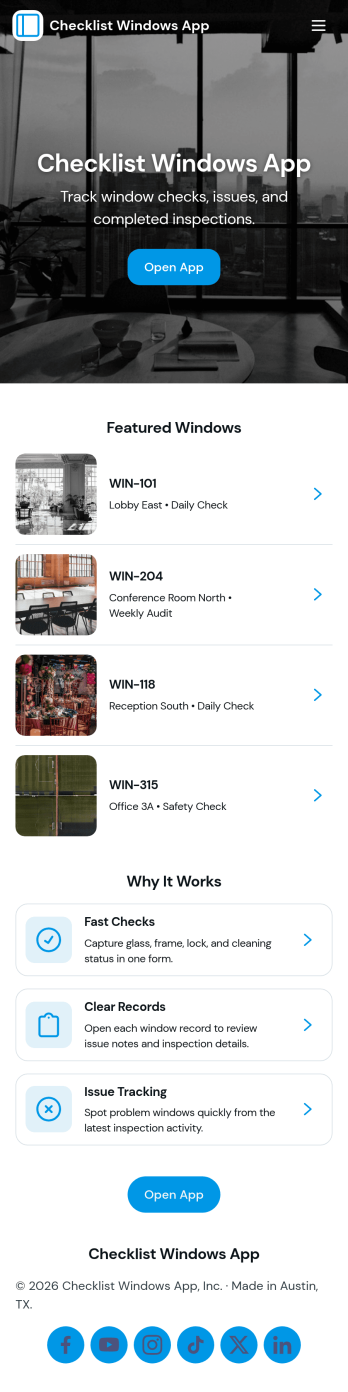
Checklist Windows App
Checklist Windows App helps teams run consistent window checks, record results, and follow up on problems without relying on paper notes or scattered messages. Use it to start a checklist for routine rounds, browse past records for specific windows, and keep an issue log when something needs repair, replacement, or a second look. It fits facilities and operations teams, property managers, school staff, and service providers who need a clear way to confirm windows are inspected, document what was found, and keep work moving from one visit to the next.With Jotform, you can tailor this app template to match your sites, window IDs, and inspection style using a no-code app builder and a drag-and-drop interface. Connect the app to forms for fast data collection, route issue reports into an organized workflow, and share a self-service experience by link or QR code so staff can complete checks on mobile and leadership can review records in one place.
Go to Category:Checklist Apps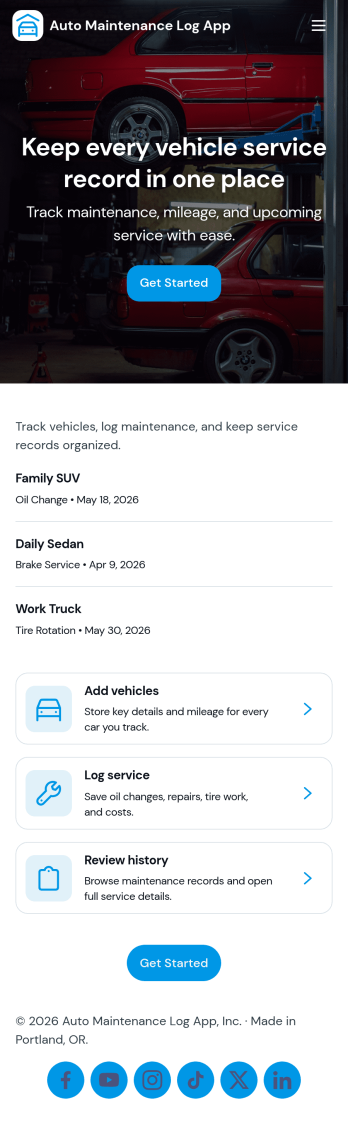
Auto Maintenance Log App
Auto Maintenance Log App helps you keep a clear history of each vehicle’s upkeep in one place, so you always know what was done, when it was done, and what to do next. Use it to add vehicles, record service visits, and track fuel entries without digging through glovebox receipts or scattered notes. It’s a practical fit for families managing multiple cars, small fleets, delivery teams, and anyone who wants better visibility into running costs and routine maintenance.Built with Jotform, this app template brings your data collection into a mobile-friendly experience you can share with the right people. With a no-code app builder and a drag-and-drop interface, you can tailor pages for your workflow, connect forms to keep records organized, and publish a simple self-service hub that makes logging updates fast and consistent.
Go to Category:Automotive Apps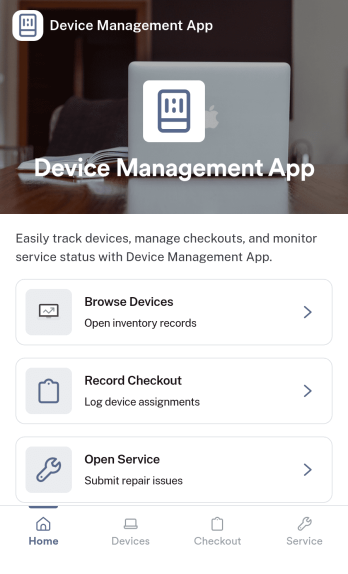
Device Management App
Device Management App brings device details, service history, and support requests into one place so teams can keep equipment organized and issues moving. From a Browse Devices area to a simple way to submit a request and review service logs, it helps IT, operations, facilities, and small business owners stay on top of what’s in use, what needs attention, and what was already repaired.Jotform makes it easy to publish this kind of self-service experience without coding. Using a no-code app builder and a drag-and-drop interface, you can tailor pages and navigation to match your process, connect forms for data collection, and keep your workflow consistent as requests and records grow. Share your Jotform app with a link so staff can quickly find devices, log service activity, and report problems from desktop or mobile.
Go to Category:Information Technology Apps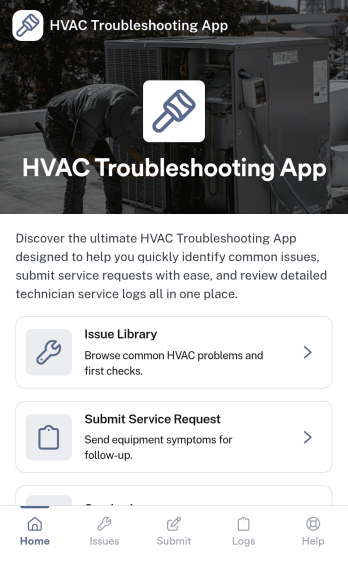
Hvac Troubleshooting App
Hvac Troubleshooting App helps HVAC technicians, property managers, and service teams diagnose common heating and cooling problems in the field and decide what to do next. It brings together an issue library for browsing known problems, quick checks for fast on-site verification, and a simple way to log symptoms so patterns are easier to spot across repeat visits. When a fix is not straightforward, the app also guides users to request service so the right follow-up can be scheduled without losing context.Built with Jotform, this app template can be tailored with a no-code app builder and a drag-and-drop interface so you can match your workflow, terminology, and brand. Connect buttons to forms for data collection, keep records organized for faster handoffs, and share the app as a self-service resource for teams or customers who need basic troubleshooting steps before a service call.
Go to Category:Equipment Maintenance Software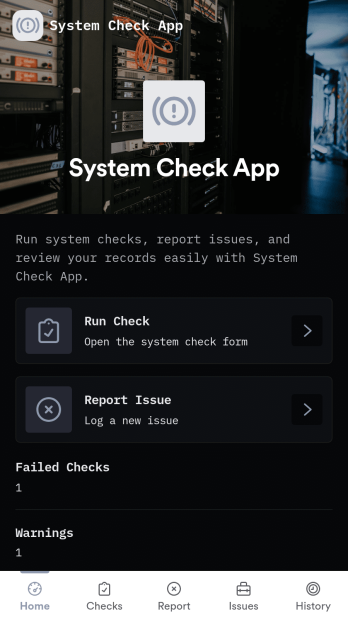
System Check App
System Check App helps teams run routine system checks and keep a clear record of results and issues in one place. Use it for daily operational verification, pre-shift readiness reviews, or recurring IT and equipment check routines where consistency matters. With options to run a check, start a new check, and log problems through a dedicated issue flow, this app supports technicians, operations leads, facilities teams, and support staff who need quick visibility into system health and what needs attention.Jotform makes it easy to turn this System Check App into a practical self-service experience using a no-code app builder and a drag-and-drop interface. Connect check and issue forms to organized lists so your team can review recent activity, track patterns over time, and follow up faster. Customize pages, branding, and navigation in minutes, then share the app by link or QR code so the right people can run checks, report issues, and keep workflows moving from any device.
Go to Category:Information Technology Apps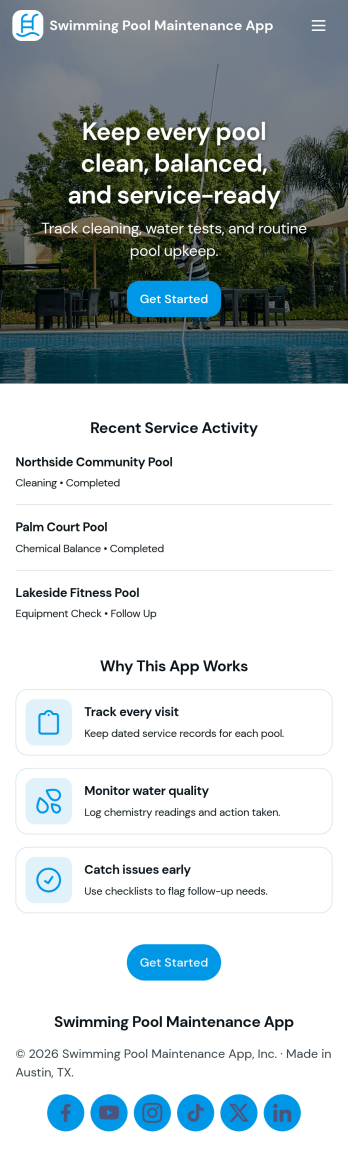
Swimming Pool Maintenance App
Swimming Pool Maintenance App helps pool service teams and property managers keep every pool visit organized, from new service requests to ongoing maintenance records. Use it to collect requests from residents or clients, review pool-specific details, and maintain consistent service across multiple locations. With pool lists and dedicated pages for each pool, crews can quickly find the right site, confirm what’s needed, and reduce missed tasks when schedules get busy.Jotform makes it easy to turn this app template into a branded, self-service experience using a no-code app builder and a drag-and-drop interface. Connect the app to your forms and data collection workflows so requests and updates stay in one place, then share it with staff or customers through a simple link. As your operation grows, you can expand pages, adjust navigation, and keep maintenance information accessible on any device.
Go to Category:Equipment Maintenance Software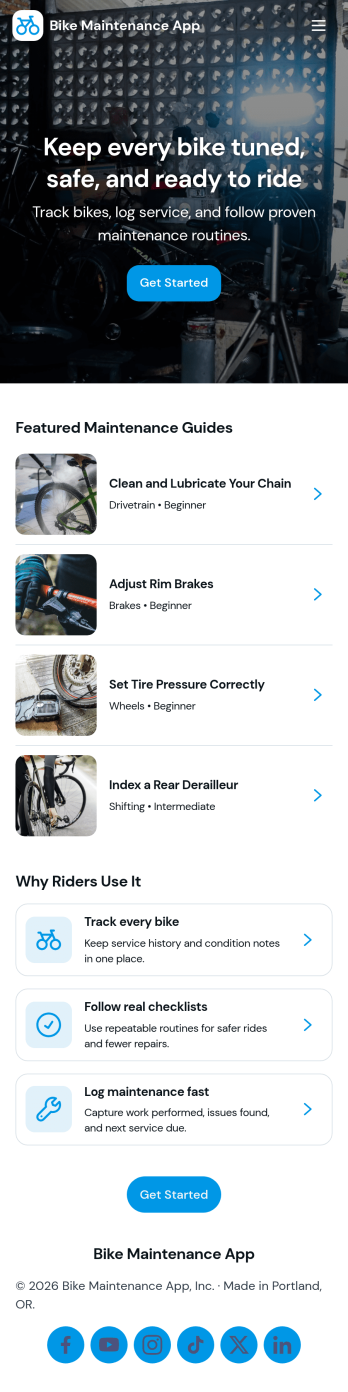
Bike Maintenance App
Bike Maintenance App helps riders and repair teams keep every bike in reliable condition by putting service guidance, parts browsing, and scheduling in one place. Use it to share maintenance guides for common issues, route people to the right instructions, and make it easy to book a service visit when a fix needs a professional hand. It’s a practical fit for bike shops, mobile mechanics, cycling clubs, campus bike programs, and rental fleets that want a simple self-service experience for customers or members.With Jotform’s App Templates, you can publish a polished experience without coding and tailor it to your workflow in minutes. Use the no-code app builder and drag-and-drop interface to adjust pages, update guide content, connect a service request form for appointments, and organize data collection in one connected workflow. Share the app by link or QR code so riders can access help on the go, while your team stays aligned on incoming service needs.
Go to Category:Equipment Maintenance Software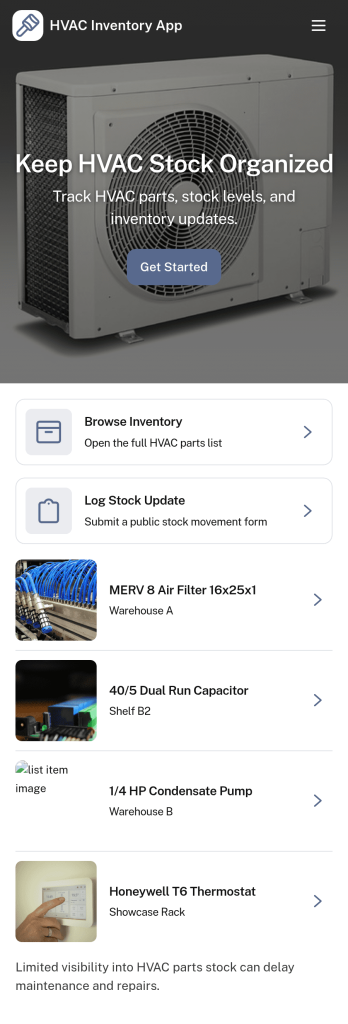
HVAC Inventory App
HVAC Inventory App helps HVAC teams keep a clear view of parts and materials so techs can find what they need and managers can stay ahead of shortages. Use it to intake new stock, add inventory items on the spot, and log stock adjustments when parts are used, returned, damaged, or corrected. With quick navigation to inventory lists and records, it’s useful for service companies running multiple trucks, small warehouses, or supply rooms that need consistent tracking without chasing spreadsheets or text updates.Built with Jotform App Templates, this app template is easy to tailor for your workflow using Jotform’s no-code app builder and drag-and-drop interface. Connect buttons to forms for data collection, route users to the right pages for intake or record review, and keep inventory and adjustment records organized in linked tables. Share the app with your crew for self-service access in the field, then standardize how stock changes are captured and reviewed across every job.
Go to Category:Inventory Apps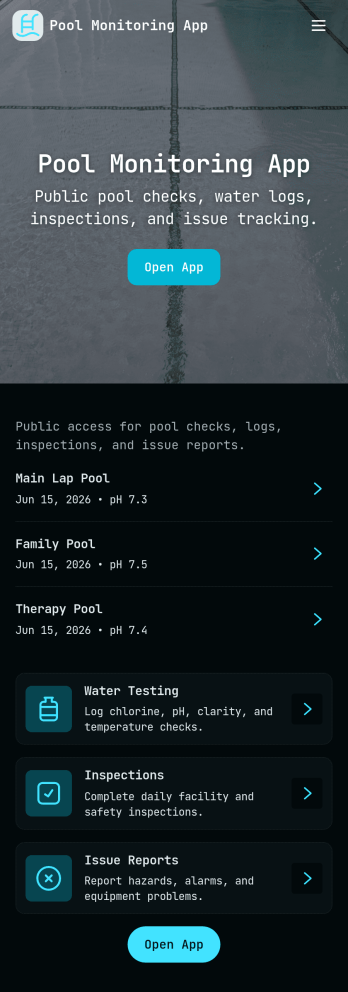
Pool Monitoring App
Pool Monitoring App helps pool operators and service teams keep tabs on water conditions, routine checks, and ongoing upkeep across one or multiple pools. Use it to review pool-specific details, record water readings during open-water checks, and maintain an organized maintenance log so nothing gets missed during busy shifts. It’s a practical fit for apartment communities, hotels, gyms, schools, municipal facilities, and pool service businesses that need consistent documentation and quick visibility into what’s been checked, what’s been done, and what still needs attention.With Jotform, you can publish this app template and tailor it to your workflow using a no-code app builder and a drag-and-drop interface. Connect the app to forms and lists to support reliable data collection for maintenance tasks and issue reports, then share a single self-service link with staff for fast updates from the field. As activity grows, everything stays organized in one place, making it easier to coordinate work, track trends, and keep teams aligned.
Go to Category:Equipment Maintenance Software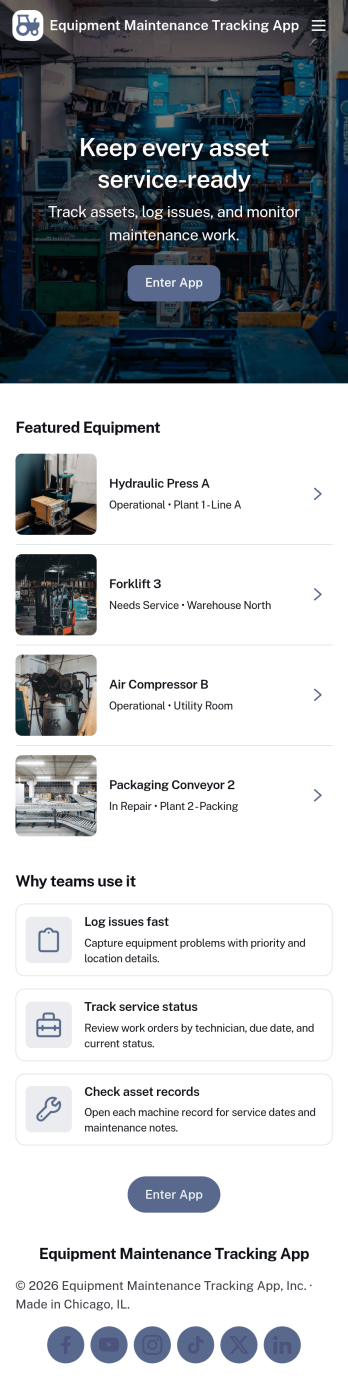
Equipment Maintenance Tracking App
Equipment Maintenance Tracking App helps teams keep a clear, up-to-date record of assets, inspections, and maintenance work orders in one place. It’s built for facility managers, operations teams, maintenance technicians, and growing businesses that need a practical way to view assets, log inspections, and create work orders without relying on scattered spreadsheets or long email threads. Use it to stay on top of routine checks, document findings, and make sure maintenance requests are tied to the right equipment for faster follow-through.With Jotform, you can customize this app template using a drag-and-drop interface, then connect it to forms and data collection workflows that match how your team works. Publish the app for self-service access, share it by link, and keep maintenance records organized so the right people can review updates and take action. As needs evolve, you can adjust pages, buttons, and records views to support new equipment, new locations, or new internal processes.
Go to Category:Equipment Maintenance Software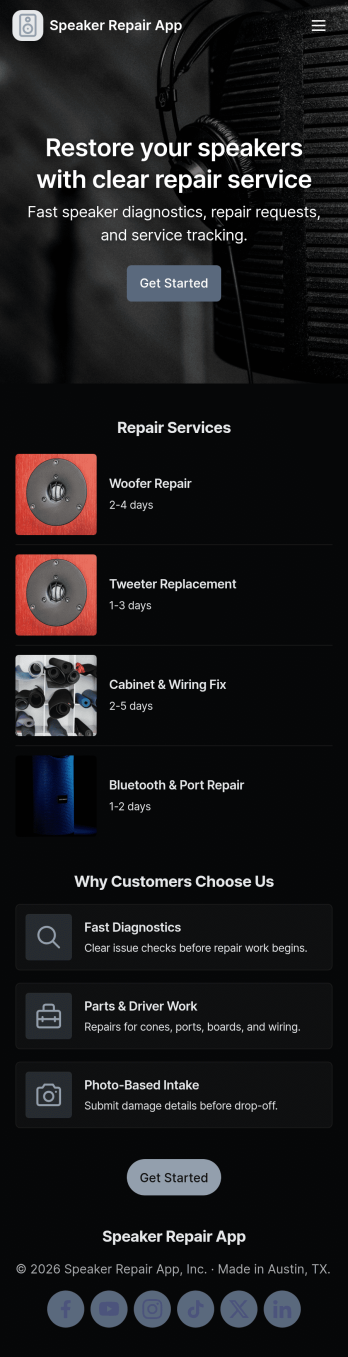
Speaker Repair App
Speaker Repair App helps electronics repair teams manage speaker service from first intake through completion, with a simple flow for collecting customer details, tracking active jobs, running diagnostics, and referencing past repairs. It’s a practical fit for repair shops, warranty desks, and mobile technicians who need a clear place to log issues, assign work, and keep customers moving through the queue without losing notes across paper tickets or scattered messages. With dedicated areas for new intake, active jobs, and repair history, staff can prioritize work faster and keep records easy to find during follow-ups.Jotform makes it easy to tailor this app template to your process using a no-code app builder and a drag-and-drop interface. Connect the app to forms for consistent data collection, route updates through a workflow that matches your team’s steps, and publish a self-service experience you can share by link or QR code. As your volume grows, you can adjust pages, branding, and connected records so the app stays aligned with how your shop actually operates.
Go to Category:Equipment Maintenance Software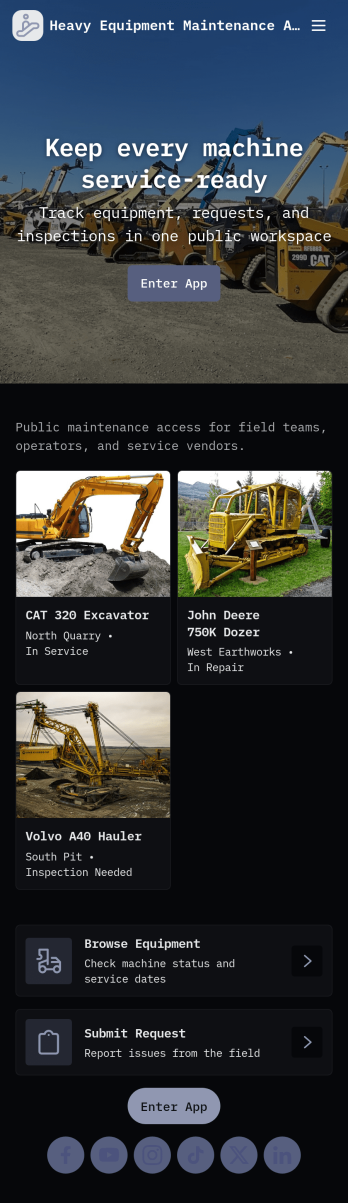
Heavy Equipment Maintenance App
Heavy Equipment Maintenance App helps teams keep critical machines running by organizing maintenance history, routine inspection checks, and parts availability in one place. Use it to log service work as it happens, launch equipment inspections from the field, and review parts inventory signals like critical spares and low stock alerts before downtime gets expensive. It’s a practical fit for construction companies, fleet and yard managers, plant operations, rental businesses, and maintenance crews who need clear visibility across multiple assets without chasing paper checklists or scattered notes.With Jotform, you can turn this app template into a mobile-friendly self-service workflow for technicians and supervisors. Customize pages, cards, and buttons with a drag-and-drop interface, connect forms for fast data collection, and keep records organized for easier follow-ups. Share the app by link or QR code, guide users to the right action with simple navigation, and keep your maintenance workflow consistent across crews and job sites.
Go to Category:Equipment Maintenance Software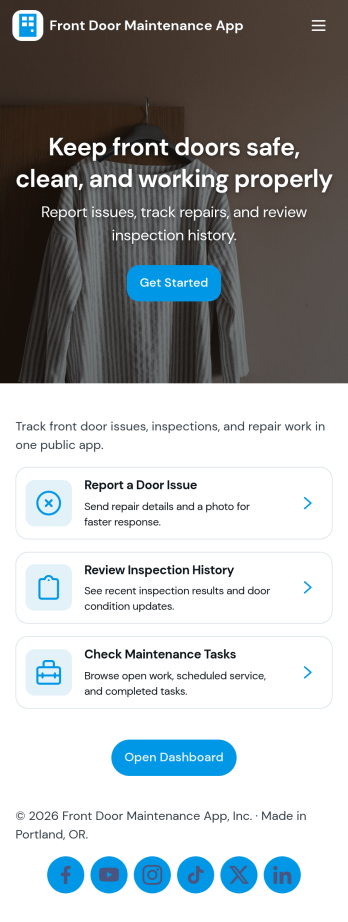
Front Door Maintenance App
Front Door Maintenance App helps homeowners, property managers, and maintenance teams keep entryways dependable by organizing issue reporting, upkeep planning, and repair history in one place. Use it to capture problems as soon as they’re noticed, document what was fixed and when, and keep a simple plan for routine checks so small wear doesn’t turn into urgent repairs. It’s a practical fit for apartment buildings, short-term rentals, offices, and any site with multiple doors where responsibilities are shared and details can get lost.With Jotform, you can turn this app template into a branded self-service experience using a no-code app builder and a drag-and-drop interface. Connect buttons to forms for fast data collection, keep records consistent in connected workflows, and publish a mobile-friendly hub your team can open from a link or QR code. Update pages as processes change, add new tasks or log entries in seconds, and keep maintenance activity easier to track across locations.
Go to Category:Equipment Maintenance Software