Kostenlose Handlungsaufforderung Widgets für Websites
Begeistern Sie Besucher und fördern Sie Aktionen mit Handlungsaufforderung-Widgets, die Sie mit dem einfachen No-Code-Builder von Jotform erstellen.
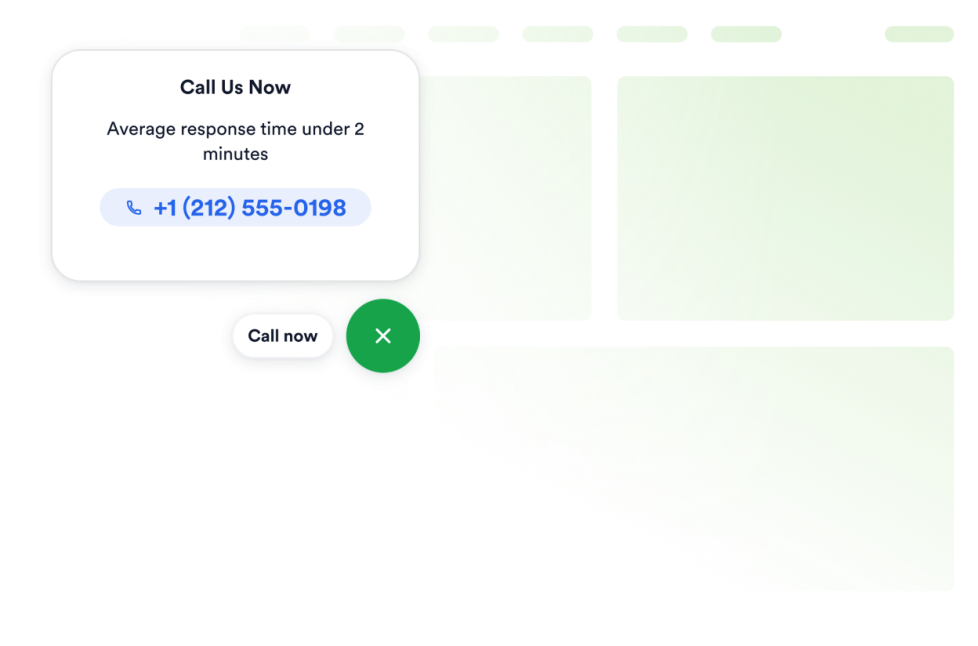
Click to Call
Fügen Sie Ihrer Website ein Click-to-Call-Widget hinzu, damit Besucher Ihr Unternehmen über einen schwebenden Anruf-Button erreichen können. Passen Sie Telefonnummer, Button-Beschriftung, Farben, Größe, Abstände und die Sichtbarkeit auf Desktop oder Mobilgeräten ohne Programmierung an.
Zur Kategorie:HandlungsaufforderungWidget verwendenButton
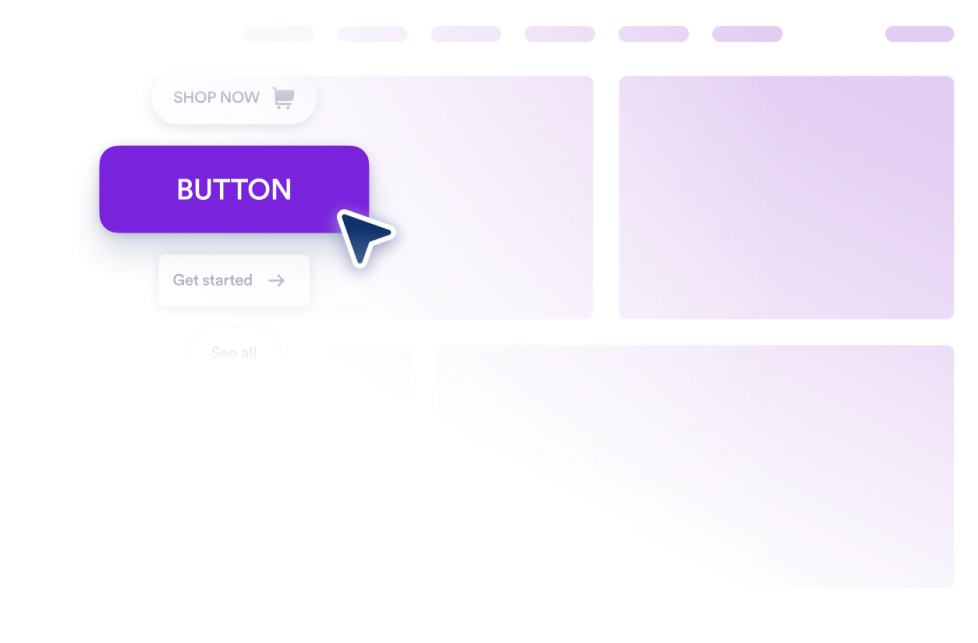
Fügen Sie Ihrer Website ein anpassbares Button-Generator-Widget hinzu. Nutzen Sie es für Links, Anrufe, E-Mails, Chats, Profile in sozialen Netzwerken und Sprünge zu bestimmten Seitenabschnitten.
Zur Kategorie:HandlungsaufforderungWidget verwendenAnnouncement Carousel
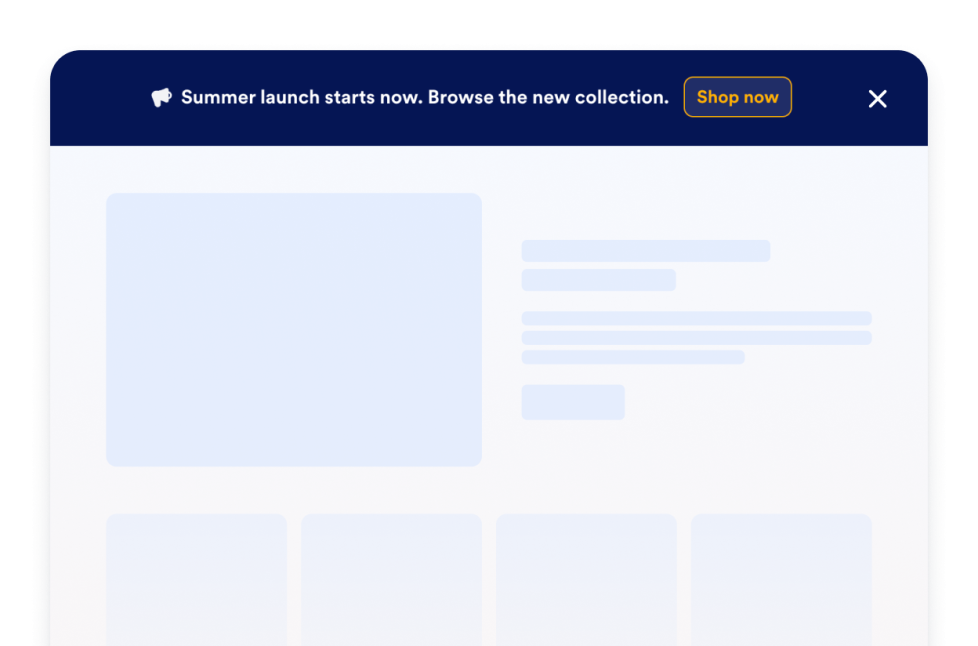
Erstellen Sie ein kostenloses Announcement Carousel Widget für Ihre Website. Passen Sie rotierende Ankündigungsleisten, Werbeaktionen und CTAs an und binden Sie sie ohne Programmierung ein.
Zur Kategorie:HandlungsaufforderungWidget verwendenPush-Benachrichtigung
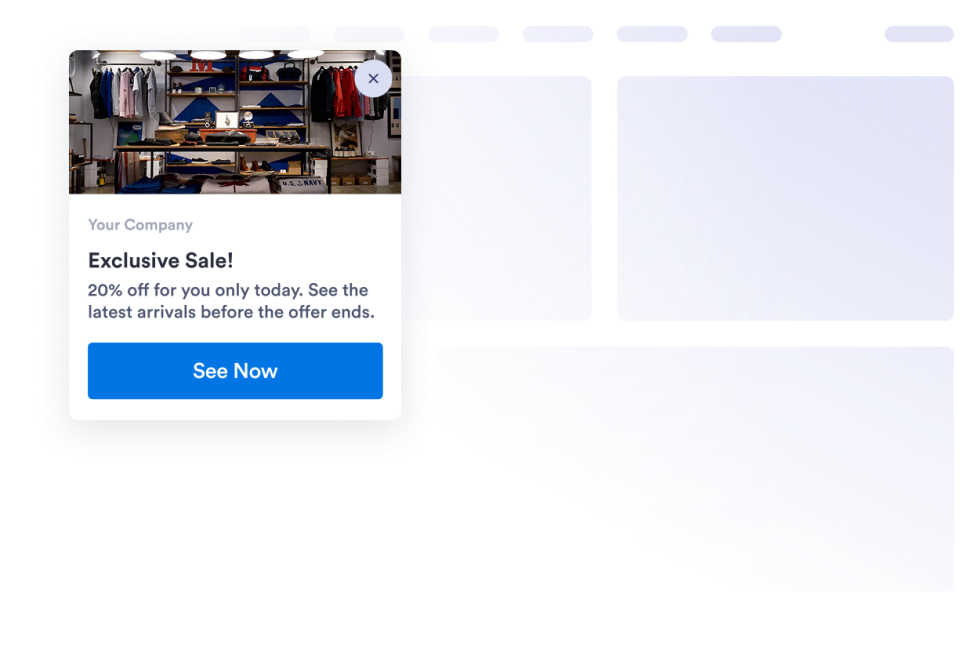
Erstellen Sie eine anpassbare Website-Benachrichtigungskarte für Angebote, Updates, Erinnerungen und CTAs. Gestalten Sie sie, sehen Sie eine Vorschau an und binden Sie sie ganz ohne Code ein.
Zur Kategorie:HandlungsaufforderungWidget verwendenWarteliste
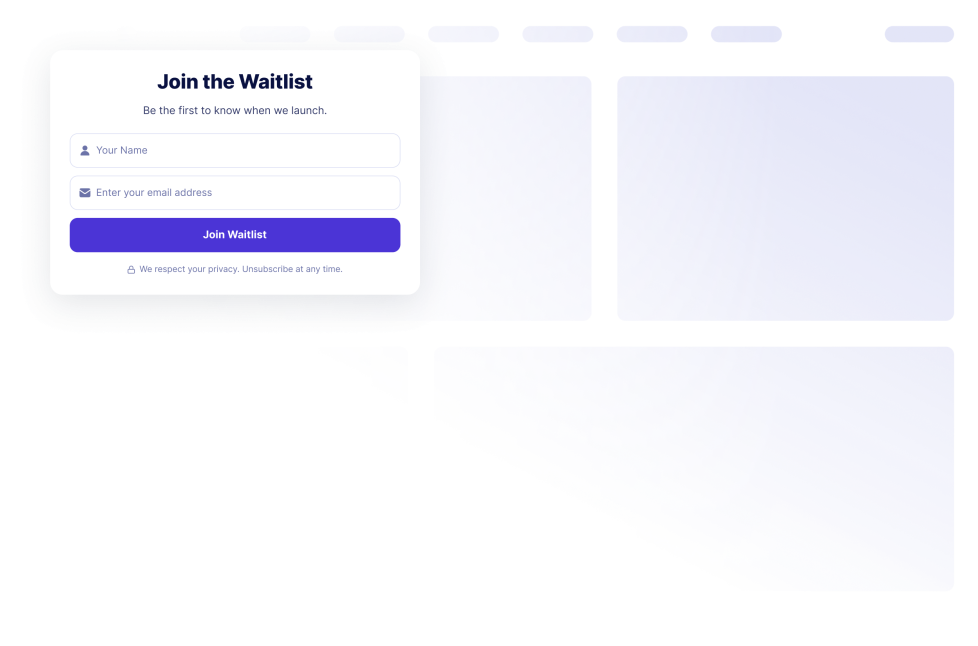
Erfassen Sie das Interesse vor dem Launch mit einem No-Code-Widget, mit dem Sie eine Warteliste erstellen können. Passen Sie Felder, Nachrichten, Anmeldezahlen und die Warteschlangenposition an und betten Sie es dann ein.
Zur Kategorie:HandlungsaufforderungWidget verwendenCallback
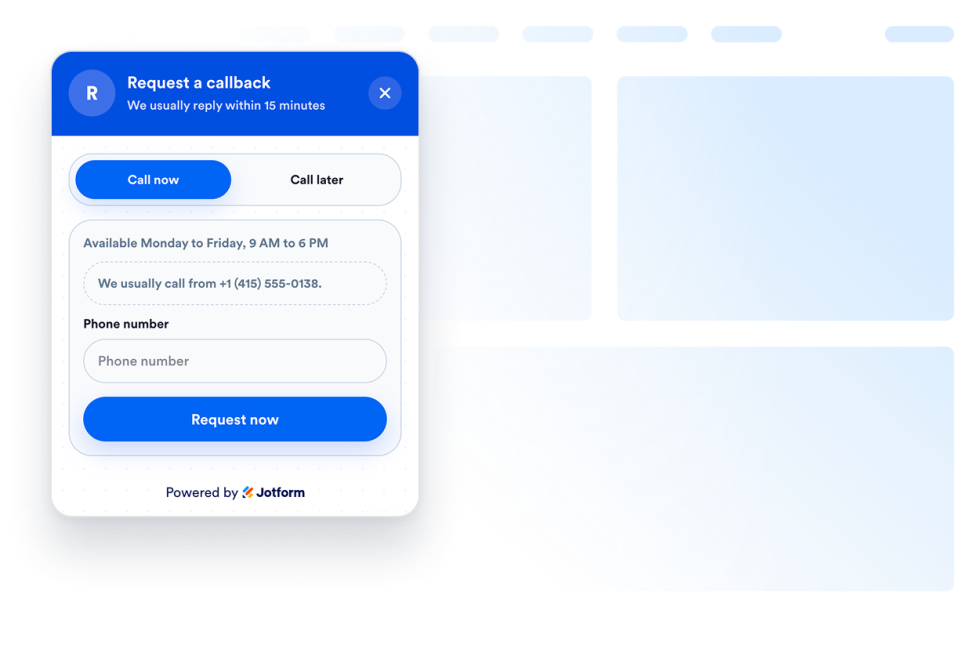
Fügen Sie ein Rückrufformular als Widget zu Ihrer Website hinzu, damit Besucher einen Anruf anfordern, ihre bevorzugte Uhrzeit angeben und schneller von Ihrem Team hören können.
Zur Kategorie:HandlungsaufforderungWidget verwendenBrowser Notification Widget
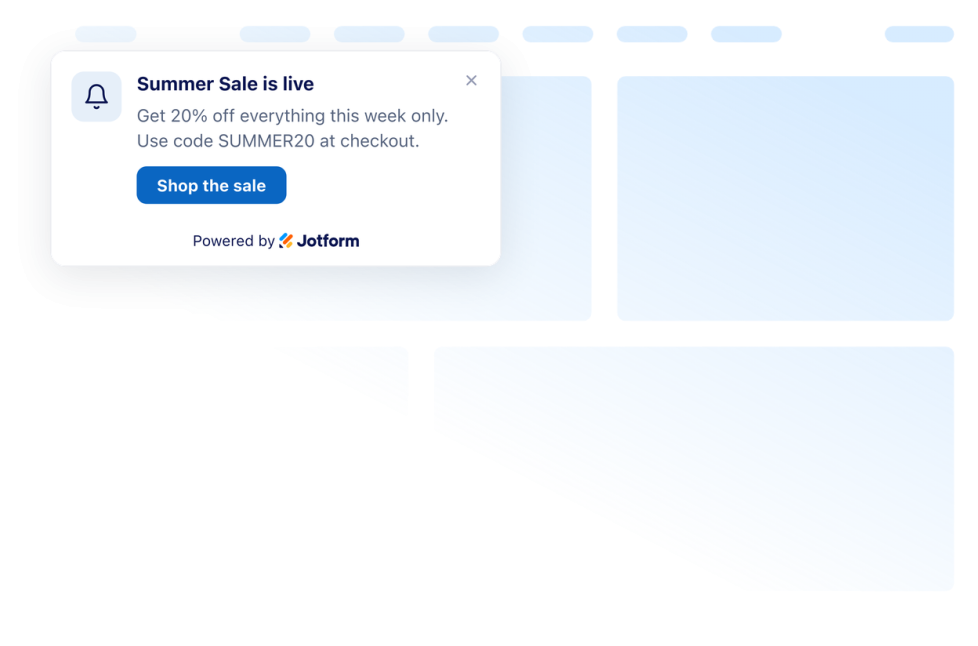
Fügen Sie Ihrer Website in Sekundenschnelle eine Push-Benachrichtigung hinzu. Passen Sie das Design an und betten Sie es mit Jotforms No-Code-Website-Widget-Generator ein.
Zur Kategorie:HandlungsaufforderungWidget verwendenHoppla, nichts gefunden
No results match your search. Please try another keyword.
About Call to Action Widgets
Call-to-action widgets help website visitors understand what to do next, such as calling a business, following a link, joining a waitlist, requesting a callback, or viewing an announcement. These embeddable widgets add clear actions to a website without custom code.
With Jotform’s call-to-action widgets, you can create click-to-call buttons, customizable buttons, waitlist forms, callback requests, notification cards, and announcement carousels. They can be used on landing pages, product pages, service pages, contact pages, campaign pages, online stores, and business websites.
What can you do with call-to-action widgets?
Call to action widgets can help you:
- Let visitors contact your business using a floating Click to Call button
- Create buttons for links, phone calls, emails, chats, social profiles, or page sections
- Collect interest before a product, service, event, or program launches with a Waitlist widget
- Allow visitors to request a phone call and provide their preferred callback time
- Display website notifications for offers, updates, reminders, and important actions
- Rotate multiple announcements, promotions, and calls to action in an Announcement Carousel
- Make important actions easier to find across desktop and mobile pages
- Direct visitors to another page, resource, form, or contact option
Popular call-to-action widget use cases
Call-to-action widgets can be added wherever visitors may need a clear next step. A local business or service provider can use a Click-to-Call widget to make phone calls easier. A Callback widget lets visitors request a call and specify when they would prefer to be contacted.
Businesses preparing a new product, service, event, or program can use a Waitlist widget to collect early interest. The widget can include customizable fields and messages, as well as options for signup count and queue position.
A Button widget can direct visitors to a product page, a contact form, an email address, a chat, a social profile, a phone number, or another section of the same page. For time-sensitive messages, a Push Notification widget can display an on-page notification card, while an Announcement Carousel can rotate multiple announcements, promotions, or actions in a single area.
Easy website widgets for any team
Embeddable call-to-action widgets are useful for small businesses, marketing teams, online stores, service providers, restaurants, agencies, creators, event organizers, and product teams that want to guide website visitors without relying on a developer or designer.
With Jotform, users can choose a widget, customize its message, action, settings, and design, preview how it will appear, and copy the embed code. They can then add the widget to a supported website editor or HTML section without custom code.
This makes it easier to add contact options, signup opportunities, announcements, and other visitor actions to an existing website while keeping the widget consistent with the page design.
Weiterführende Anleitungen
To learn more about setting up and managing widgets, users can read Jotform’s guide on managing website widgets. The guide explains that users can create new widgets, edit existing widgets, copy embed codes, control widget visibility, and organize their widget assets from the My Website Widgets page.
Call to Action Widgets FAQ
What are call-to-action widgets?
Call-to-action widgets are embeddable website elements that encourage visitors to take a specific next step. That action may include calling a business, opening a link, sending an email, joining a waitlist, requesting a callback, or viewing an announcement.
What types of call-to-action widgets are available?
Available options include Click to Call, Button, Waitlist, Callback, Browser Notification, Push Notification, and Announcement Carousel widgets. Each option supports a different type of visitor action or message.
Where should I use call-to-action widgets?
You can use them on landing pages, product pages, service pages, pricing pages, contact pages, prelaunch pages, campaign pages, and blog posts. Place the widget near relevant content or at a point where visitors are likely to decide what to do next.
Do call-to-action widgets require coding?
No. You do not need a developer or designer. You can customize the widget, copy the embed code, and add it to your website without custom code. The exact placement steps depend on your website platform or page editor.


