Appointment Reminder Automation

Build an appointment reminder workflow in Jotform AI Workflow Builder by describing the reminder process you need in plain language. Jotform AI can turn that prompt into a workflow for upcoming visits, confirmations, review tasks, status updates, and follow-up actions tied to your scheduling process.

How to set up Appointment Reminder Automation workflows?

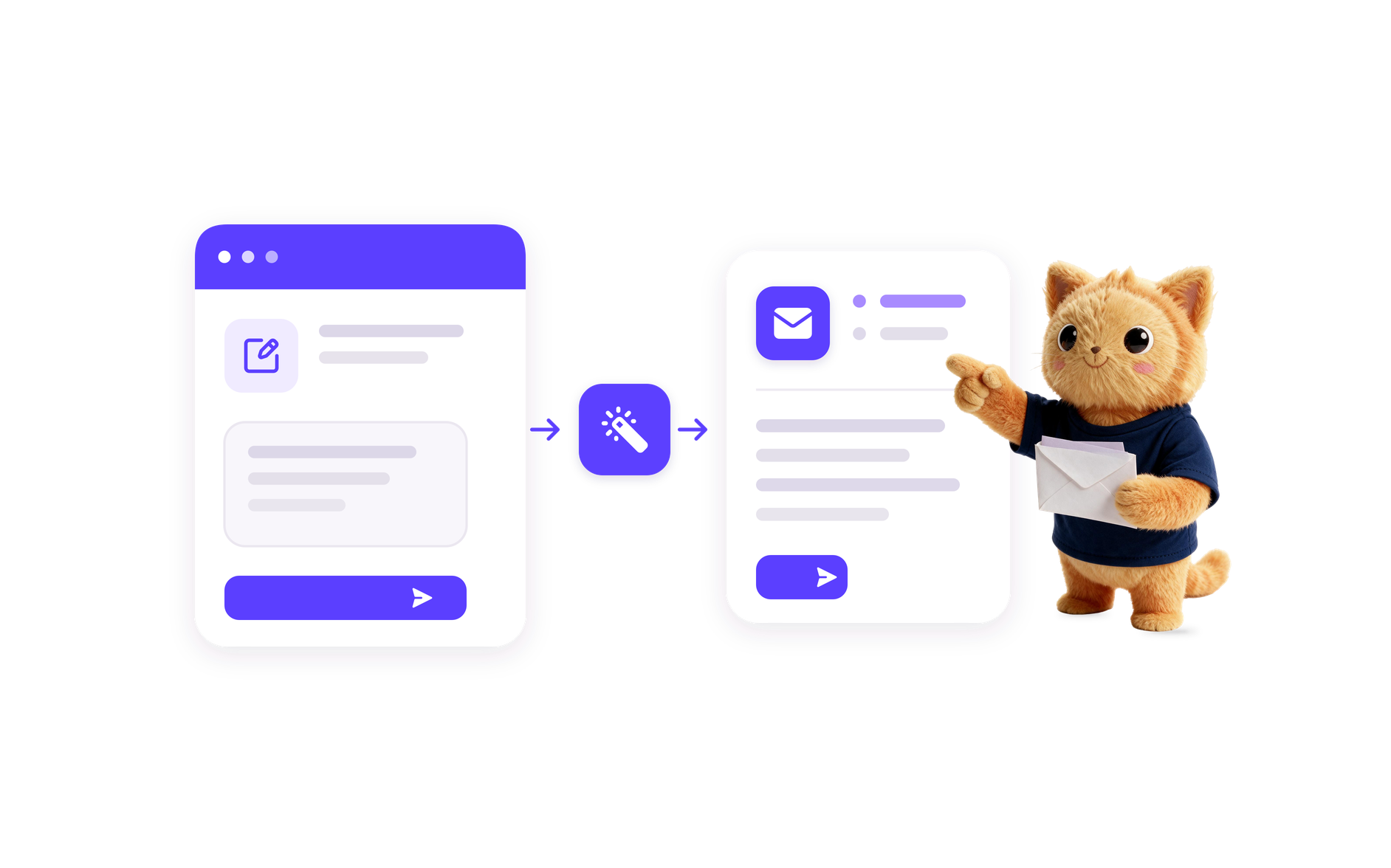
Describe the reminder flow

Describe the reminder flow

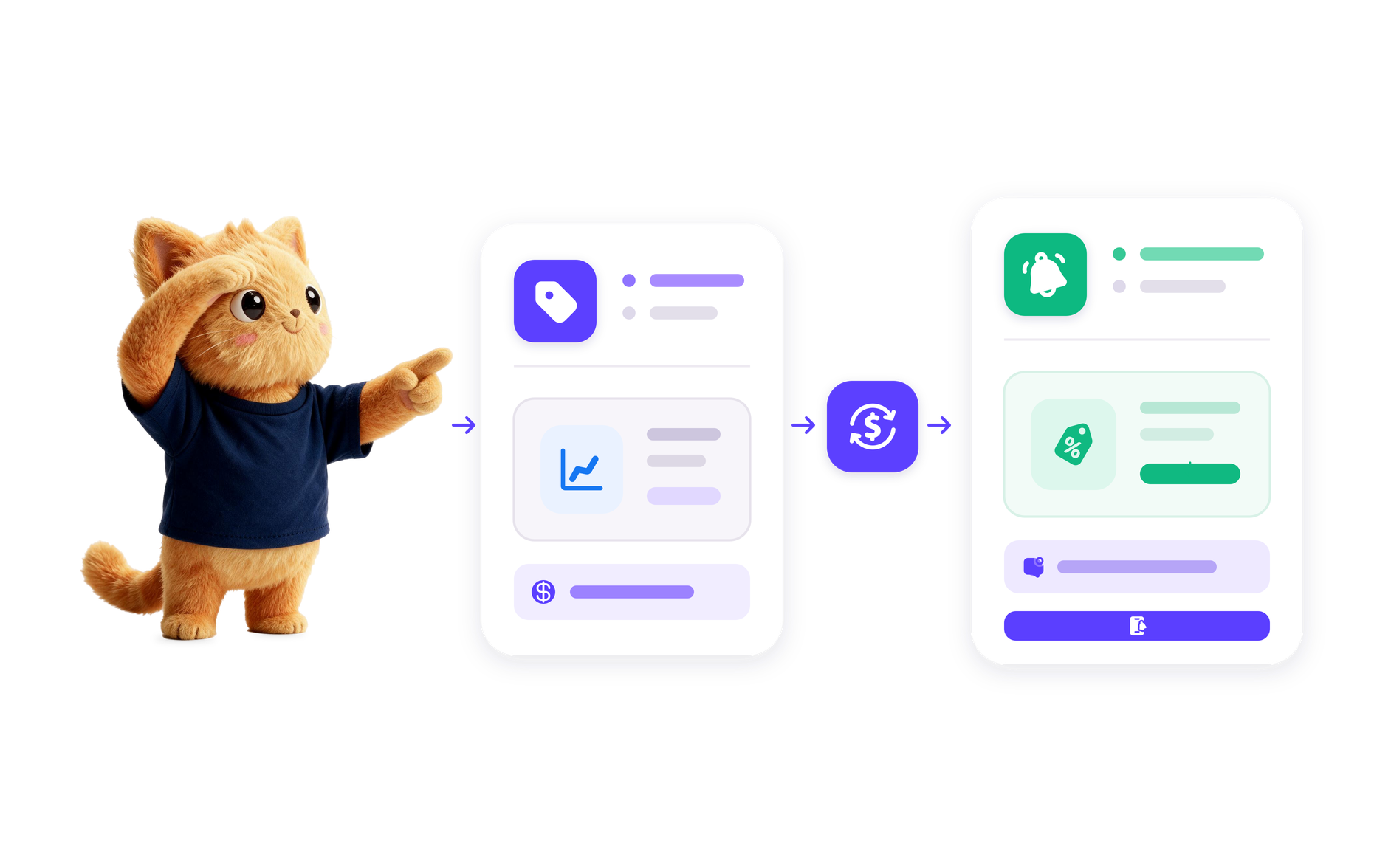
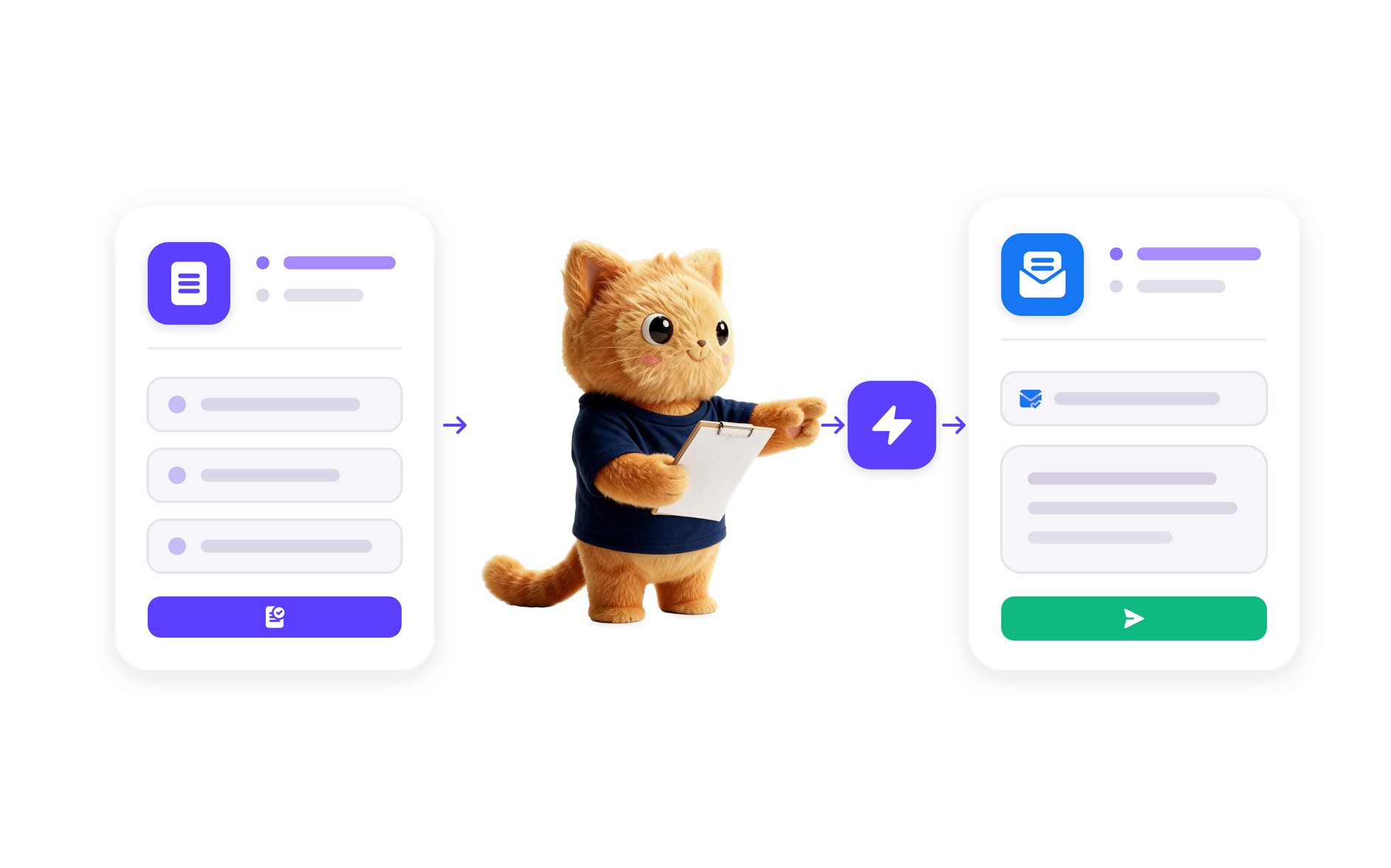
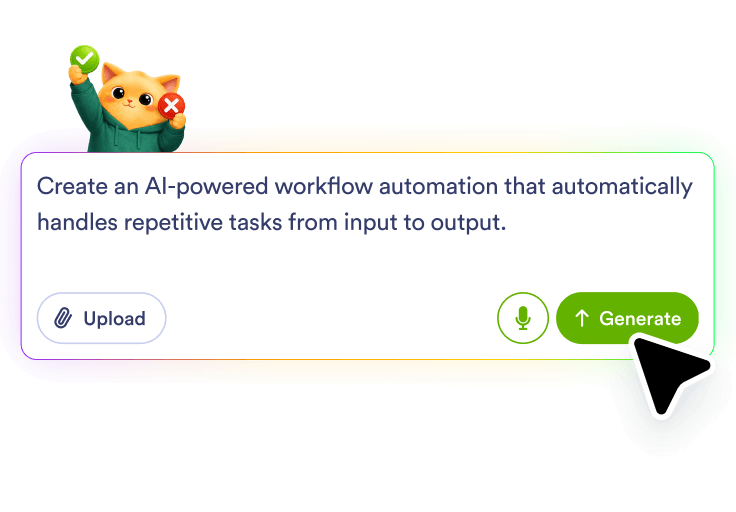
Write the appointment reminder process you want in plain language, such as a new booking, an upcoming visit, or a missed appointment that needs attention. Jotform AI uses that description to shape the workflow around the reminder goal.
Connect the scheduling source

Connect the scheduling source

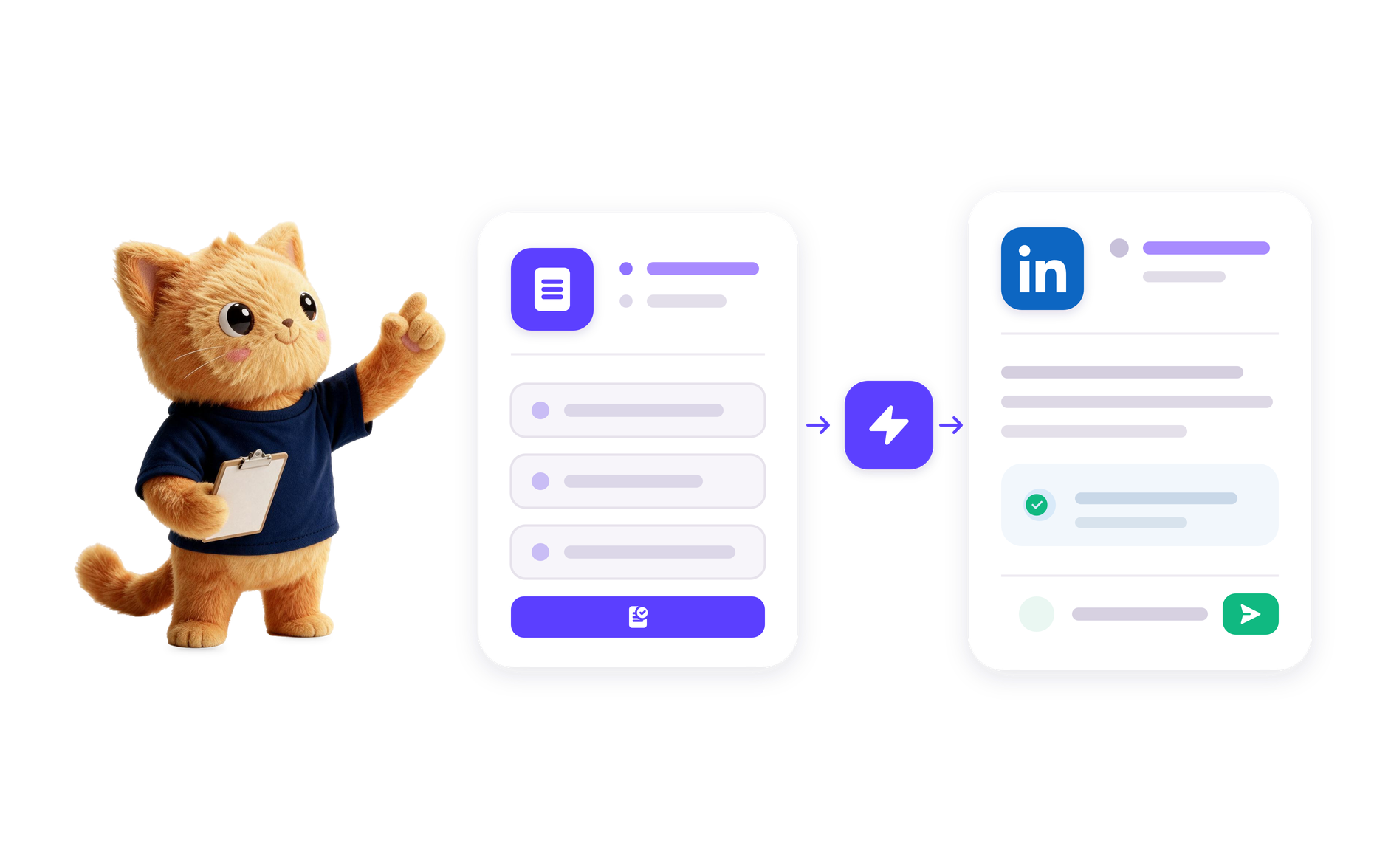
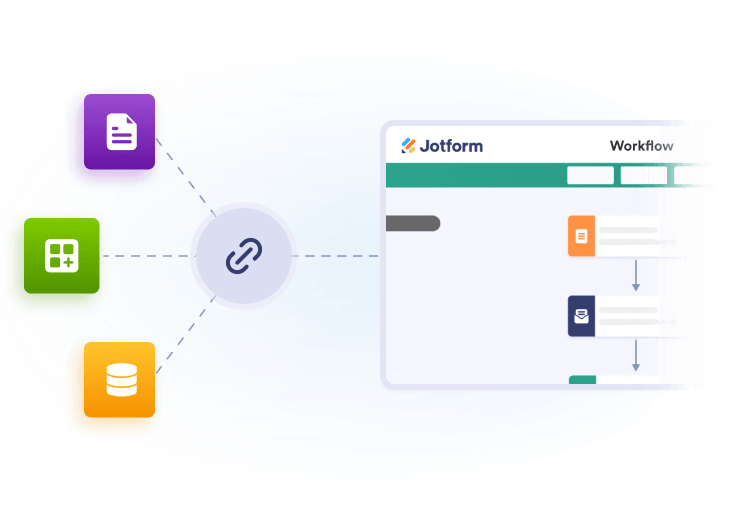
Point the workflow at the appointment source so reminders can begin when the right booking or status change happens. The generated workflow can also include review, routing, and notification steps that fit the scenario.

Automate follow-ups

Automate follow-ups

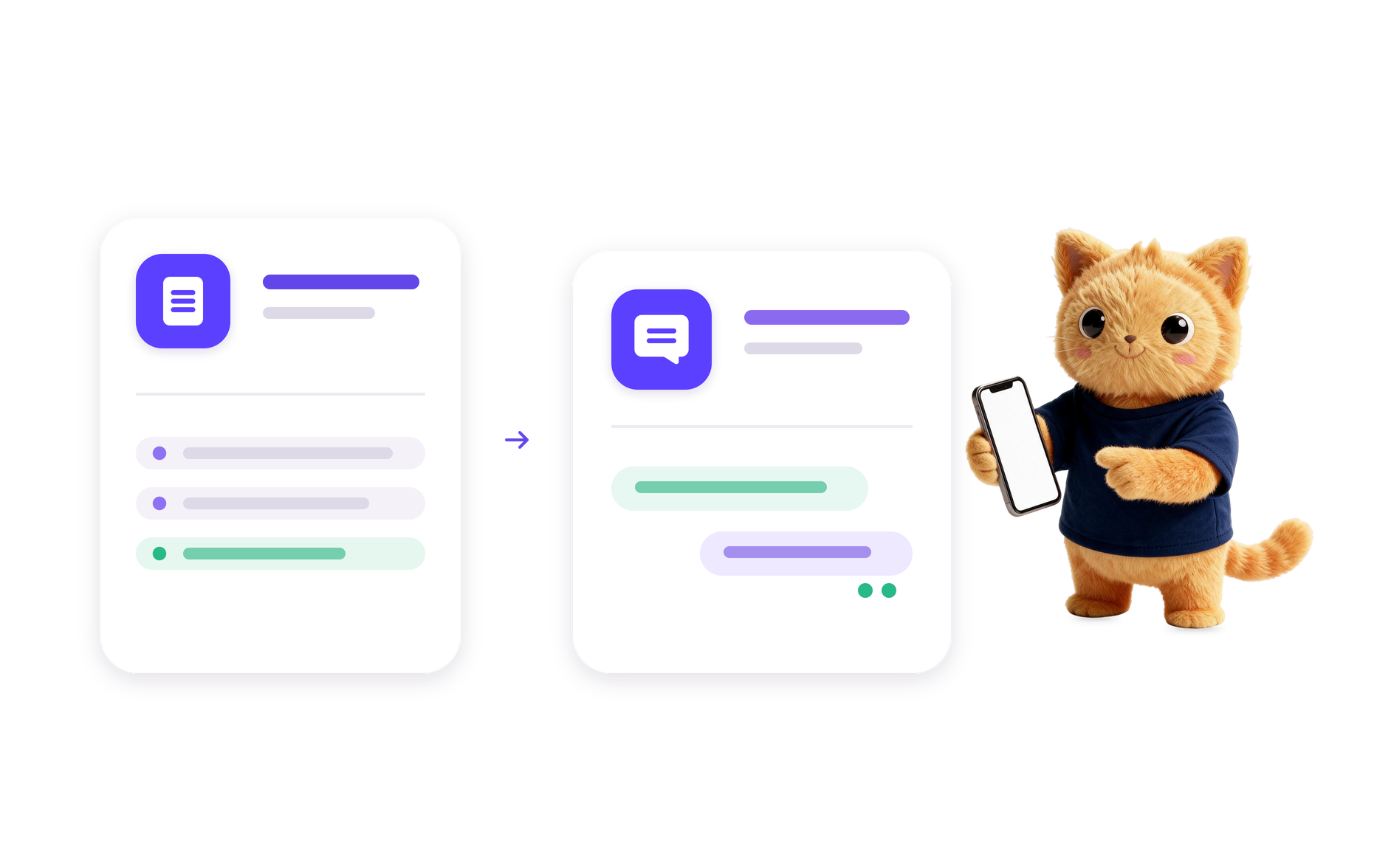
Let the workflow handle the reminder action and any next steps you want after it, such as confirmations, staff review, record updates, or handoffs to other tools.

Benefits

Upcoming appointment triggers

Set the workflow to begin when a scheduled visit is approaching, so reminders can be sent before the appointment without manual follow-up.

Confirmation routing

Add a review or approval path for bookings that need a quick check before the reminder is finalized or sent onward.

Missed appointment follow-up

Use a missed-visit trigger to create a reminder task, notify staff, or start a response workflow after the scheduled time passes.

Status updates after reminder

Store reminder outcomes in a schedule record or send them to another work app so the appointment stays up to date.

100+ Free Workflow Templates

Automate your processes effortlessly with our pre-built workflow templates. Our extensive library of templates saves you time and can be fully customized to meet your unique requirements.

Use Template

AI Workflow Automation Tools

Explore a suite of powerful AI-driven tools designed to streamline your workflows, enhance productivity, and deliver smarter solutions for your form creation needs.

FAQ

Appointment Reminder Automation is a workflow that sends reminder actions around scheduled visits so people can confirm, prepare, or respond before or after the appointment. In Jotform, it is built from a prompt that describes the reminder process you want, and the workflow can include review, routing, record updates, and follow-up actions.

It works by starting from an appointment-related trigger, then moving the reminder through the workflow steps you describe. Jotform AI can generate the reminder flow, along with checks for confirmation, staff notifications, and update steps for the appointment record.

It can be used for upcoming visit reminders, confirmation requests, missed-appointment follow-up, and related scheduling updates. The workflow can also route reminders for review or send the result to another work app for tracking.

Yes. You can describe the appointment reminder workflow you need, and Jotform AI Workflow Builder will create the steps for it. That may include reminder timing, approval or review points, notifications, record updates, and follow-up actions based on your prompt.

Include the reminder goal, the kind of appointment event that starts the workflow, who needs to be notified, whether any review or approval is needed, and what should happen after the reminder. The clearer your prompt is about the scheduling scenario and the follow-up result, the better Jotform AI can shape the workflow.

Ready to automate your workflows with AI?

Turn your ideas into smart, connected processes with Jotform's AI Workflow Generator. Create real-time flowcharts, connect AI Agents, and manage your entire automation journey, all within one secure workspace.