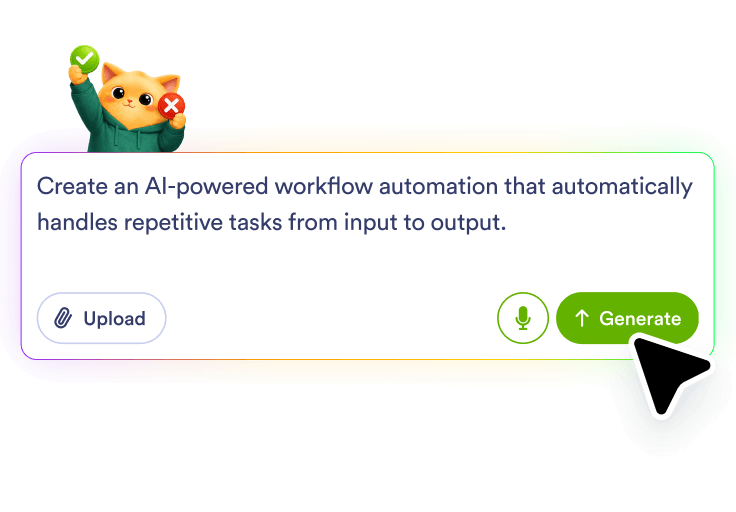
Describe your form flow
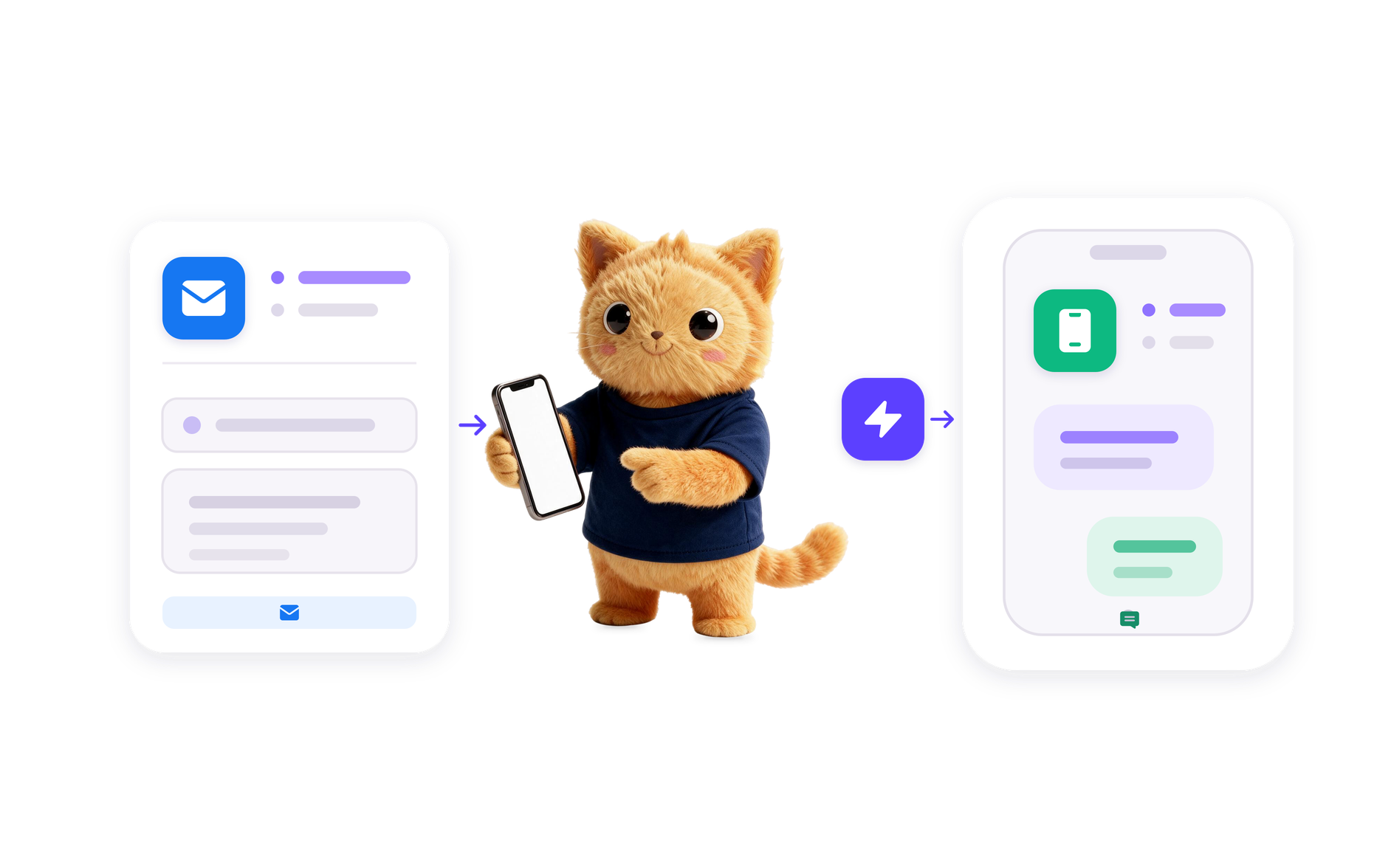
Tell Jotform AI what should happen after a form is submitted, such as creating a CRM record, assigning ownership, or starting a review task.
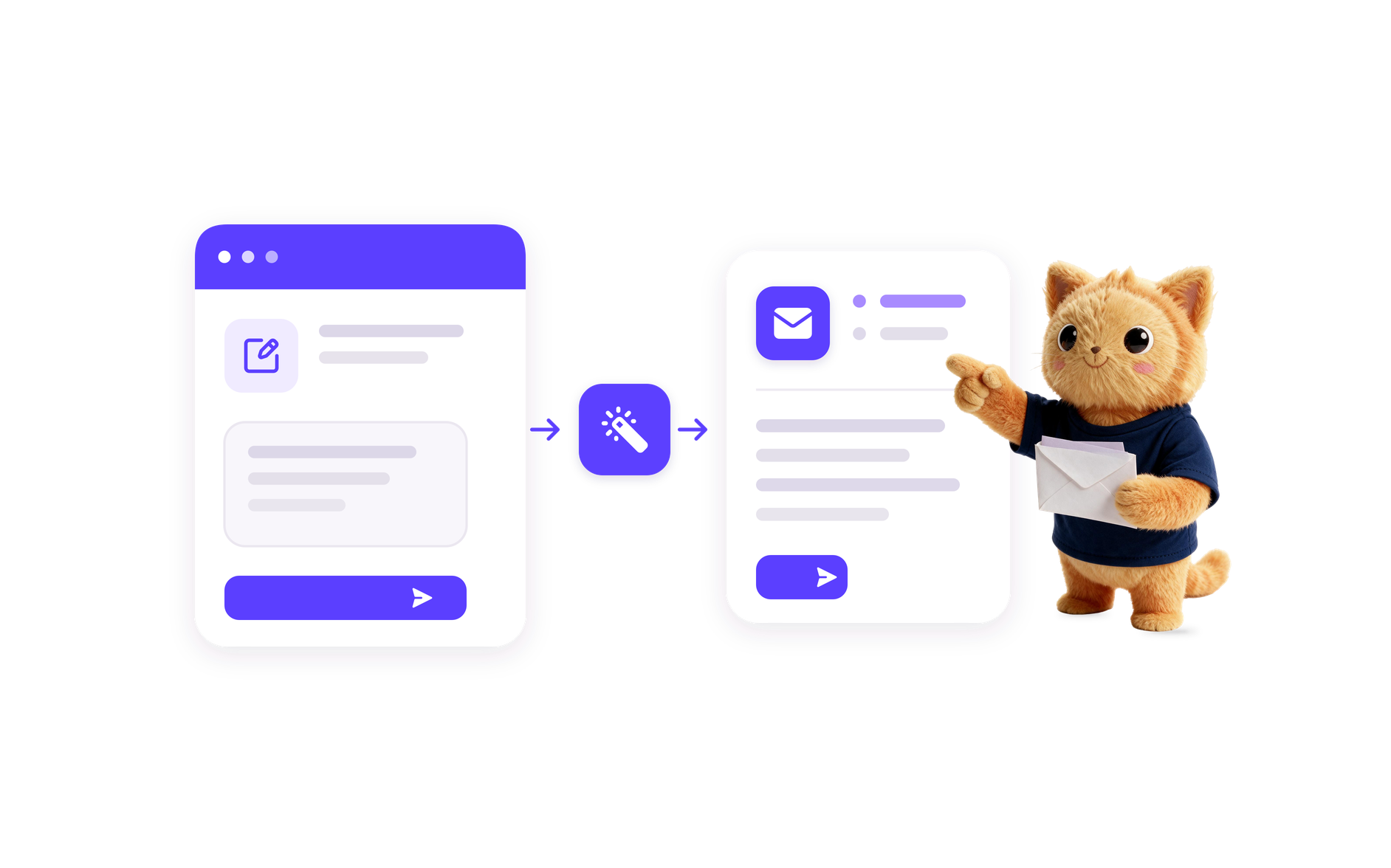
Describe the form-to-CRM workflow you need, and Jotform AI Workflow Builder creates it from your prompt. Use it to send form submissions into CRM-focused workflows with the right review, routing, and follow-up actions for your process.
Tell Jotform AI what should happen after a form is submitted, such as creating a CRM record, assigning ownership, or starting a review task.
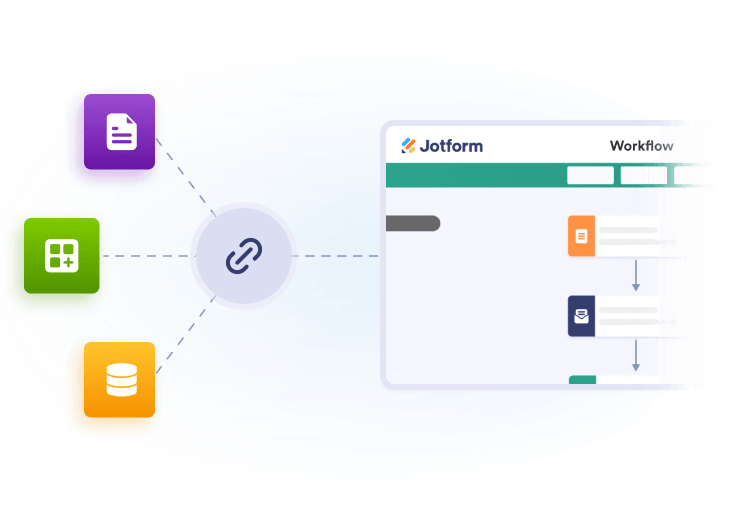
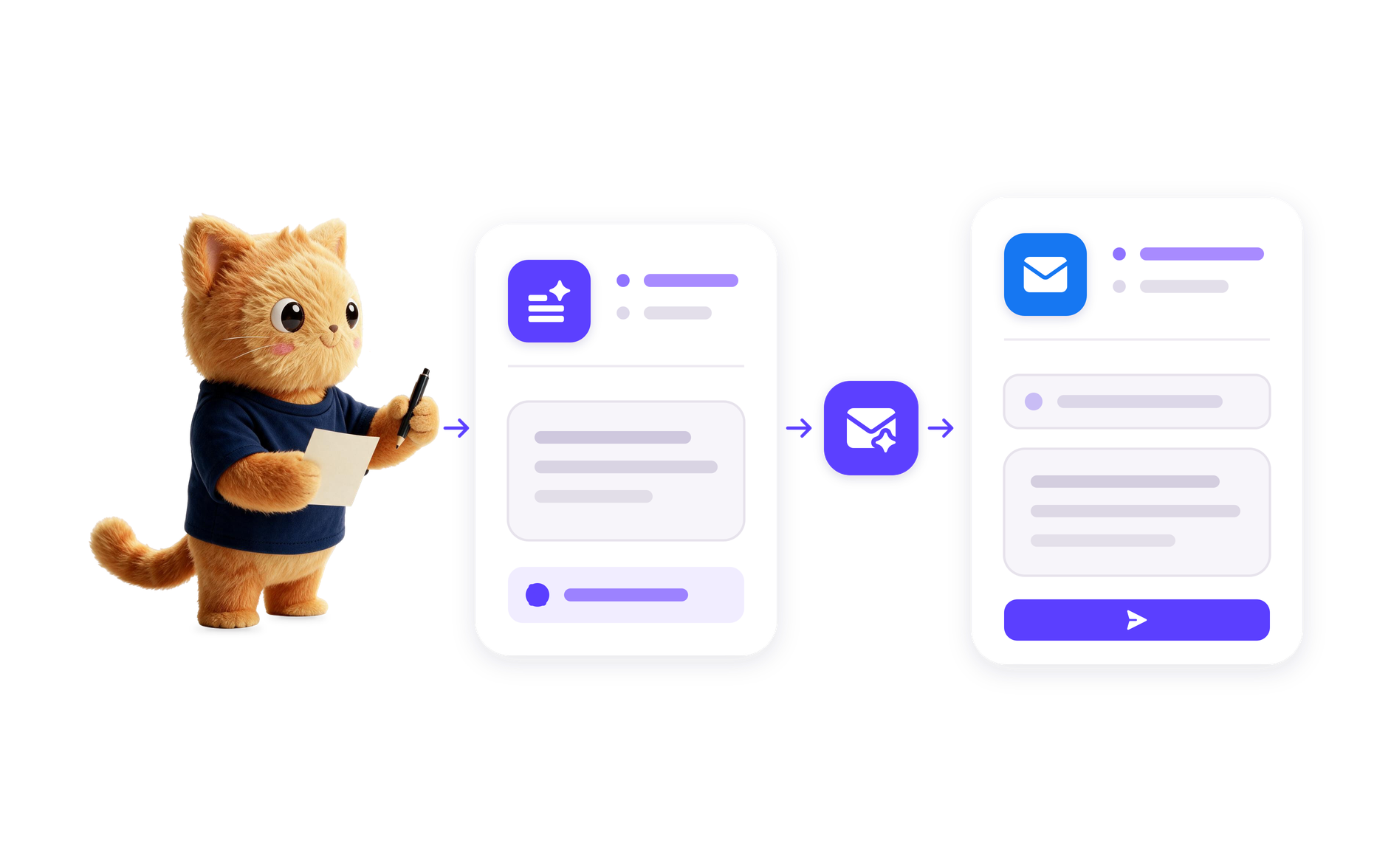
Add the CRM-focused steps your workflow needs, including record creation or updates, follow-up tasks, and notifications for the right team members.
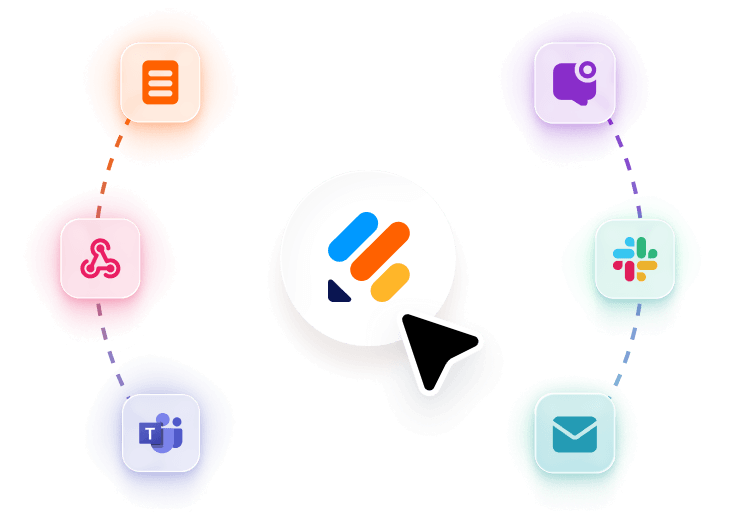
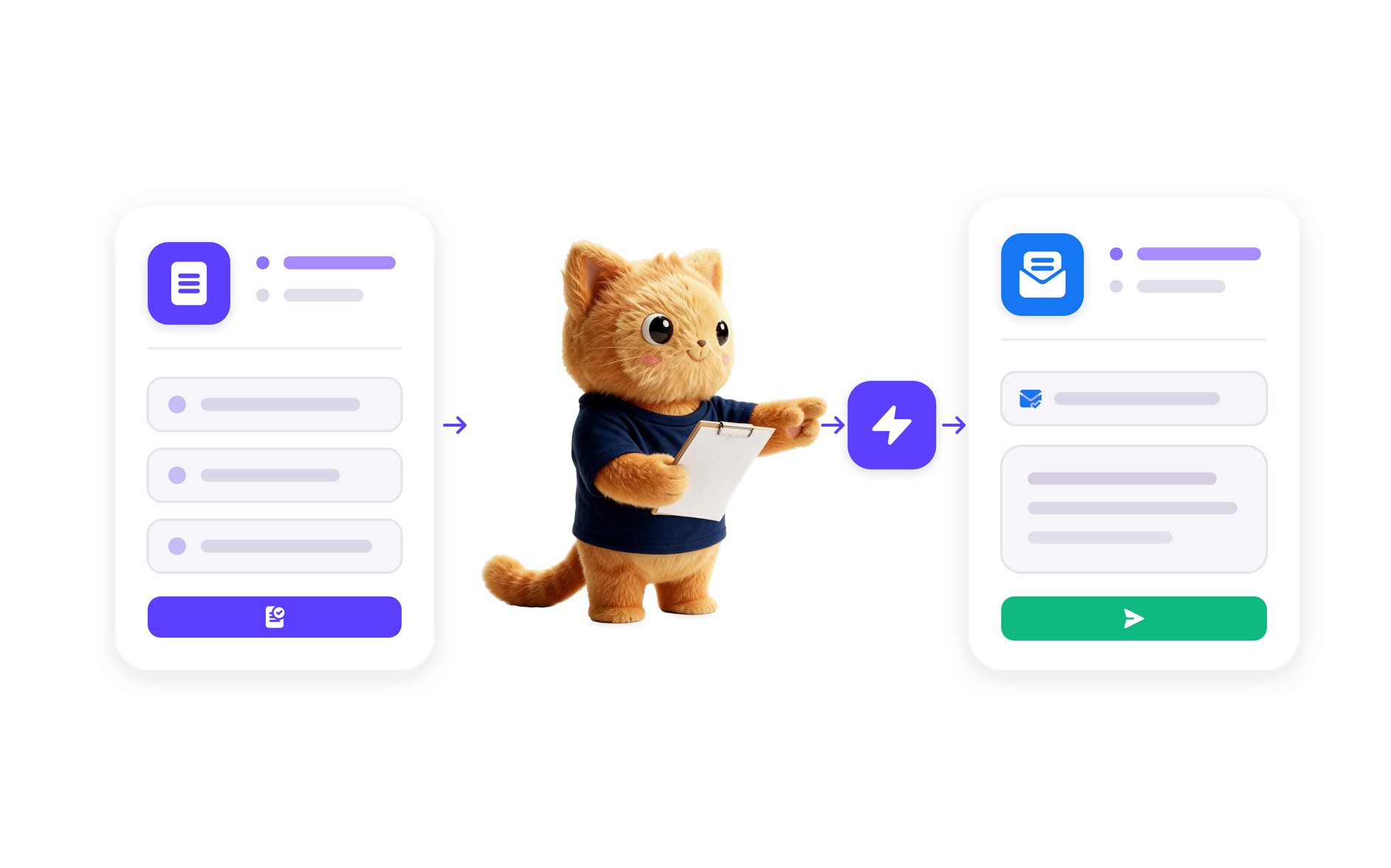
Jotform AI turns your prompt into a working workflow that connects form submissions to CRM outcomes and follow-up actions.
Start a CRM workflow when a form is submitted so the right record can be created, updated, or reviewed without manual handoff.
Route submissions based on the details in the form so sales, account, or support teams can handle the next action in the CRM.
Use form data to create review tasks, reminders, or next-step actions that keep CRM activity tied to the original submission.
Store form-to-CRM activity in a structured workflow so teams can review what was received, what changed, and what happened next.
100+ Free Workflow Templates
Automate your processes effortlessly with our pre-built workflow templates. Our extensive library of templates saves you time and can be fully customized to meet your unique requirements.
AI Workflow Automation Tools
Explore a suite of powerful AI-driven tools designed to streamline your workflows, enhance productivity, and deliver smarter solutions for your form creation needs.
Appointment Reminder Automation
Build an appointment reminder workflow with Jotform AI Workflow Builder from a simple prompt and route reminders, reviews, and follow-ups.
Appointment Scheduling Tool
Create an online scheduling tool workflow from a plain-language prompt with Jotform AI Workflow Builder for booking, routing, and follow-up tasks.
In Stock Alert Automation
Build an in stock alert automation with Jotform AI. Describe your workflow and generate review, routing, and follow-up steps from one prompt.
Form to SMS Automation
Create a form to SMS automation with Jotform AI Workflow Builder. Describe the form and message flow you need, and Jotform builds it.
RSS to Email Automation
Build an RSS to email automation in Jotform AI Workflow Builder from a plain-language prompt and route new feed updates into email follow-up.
Form to CRM Automation
Build a form to CRM automation with Jotform AI Workflow Builder from a plain-language prompt and route submissions into CRM-focused workflows.
Image to Text Automation
Transform images into editable text with Jotform's AI Workflow Generation. Streamline your processes today!
AI Image to Video Automation
Transform images into engaging videos with Jotform's Image to Video AI Generator. Automate your video creation process today!
Video Summarization Automation
Create efficient video summaries using Jotform AI Workflow Generation. Simplify your video content management today!Form to CRM Automation is a workflow that moves form submissions into a CRM-focused process. In Jotform, that can mean turning a submission into a contact, lead, or deal record and then continuing with review, routing, and follow-up steps.
It works by using the form submission as the trigger for a workflow. Jotform AI builds the steps you describe, such as creating or updating CRM records, assigning the submission to the right person, and sending the next action to the team that needs it.
It can be used for lead capture, client intake, contact updates, and other workflows where form responses need to become CRM-ready records. It also fits follow-up and review processes that depend on the submitted details.
Yes. You can describe the form-to-CRM process in plain language, and Jotform AI Workflow Builder will create the workflow structure for you. It is designed for users who want the workflow built from a prompt instead of assembling each step manually.
Include the form type, what should happen to the submission, which CRM outcome you want, and any review or routing needs. The more clearly you describe the trigger, the record action, and the follow-up, the more accurate the workflow Jotform AI builds will be.
Turn your ideas into smart, connected processes with Jotform's AI Workflow Generator. Create real-time flowcharts, connect AI Agents, and manage your entire automation journey, all within one secure workspace.