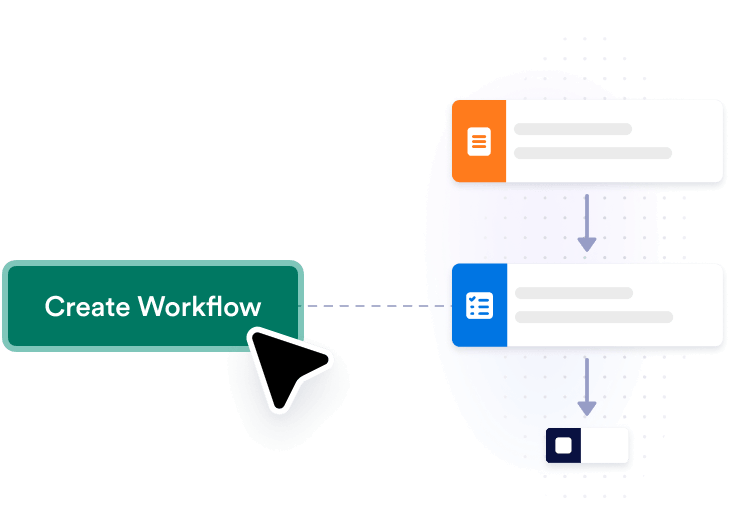
Create the workflow
Click Create Workflow to add the ready-made Gmail to WhatsApp workflow to your account.
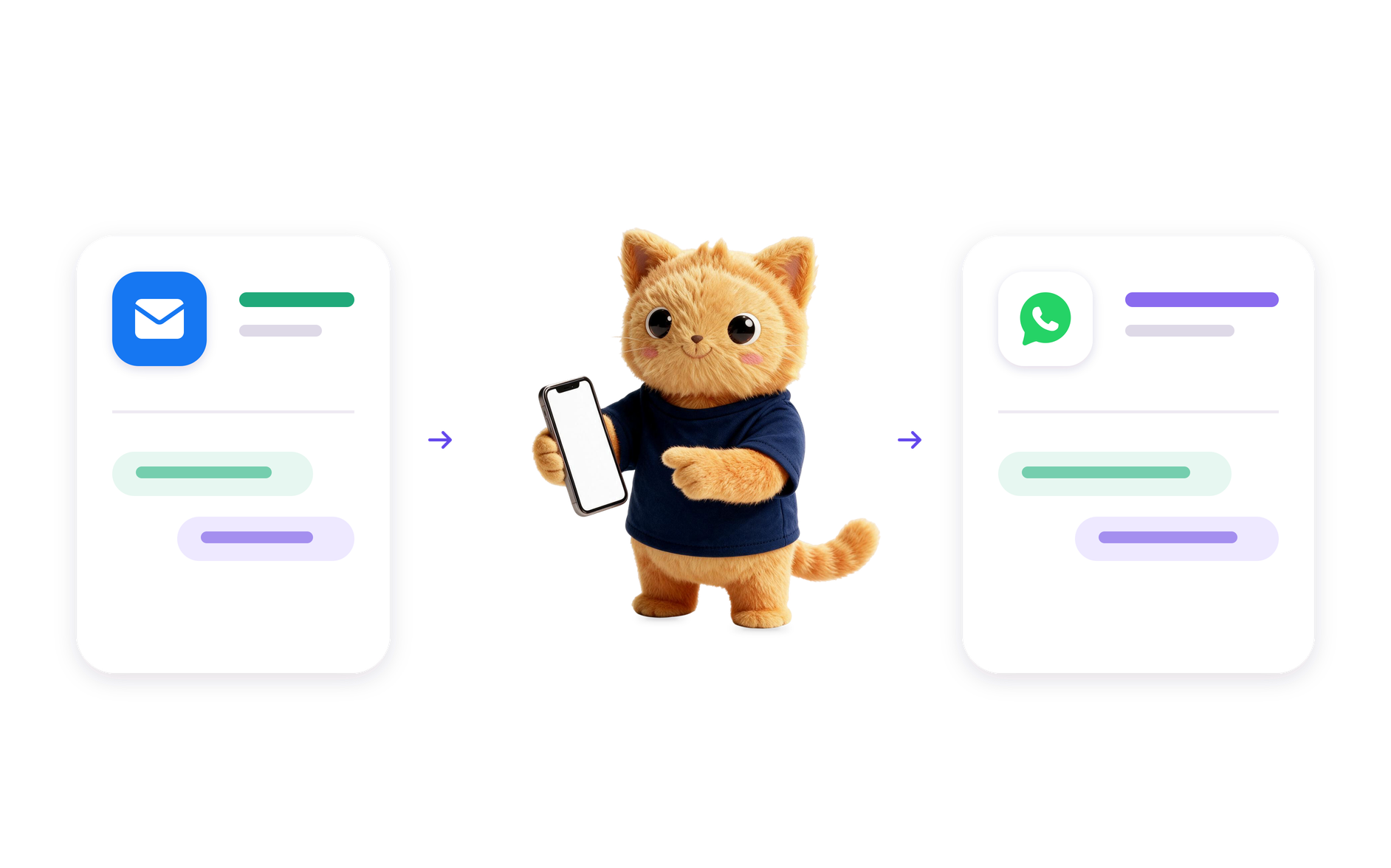
Jotform's Gmail to WhatsApp automation sends a WhatsApp message when a new email arrives in Gmail, helping you notice important messages right away. You can tailor which email details appear in the alert.
Click Create Workflow to add the ready-made Gmail to WhatsApp workflow to your account.
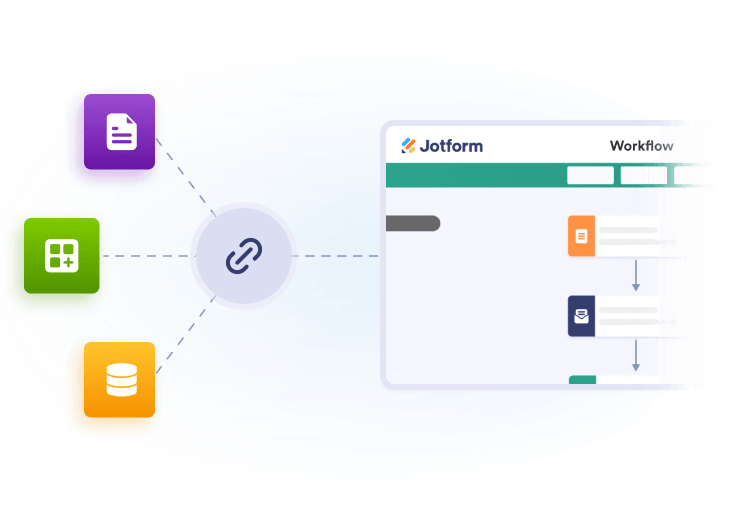
Connect Gmail and WhatsApp, then choose which message details you want to send in the alert.
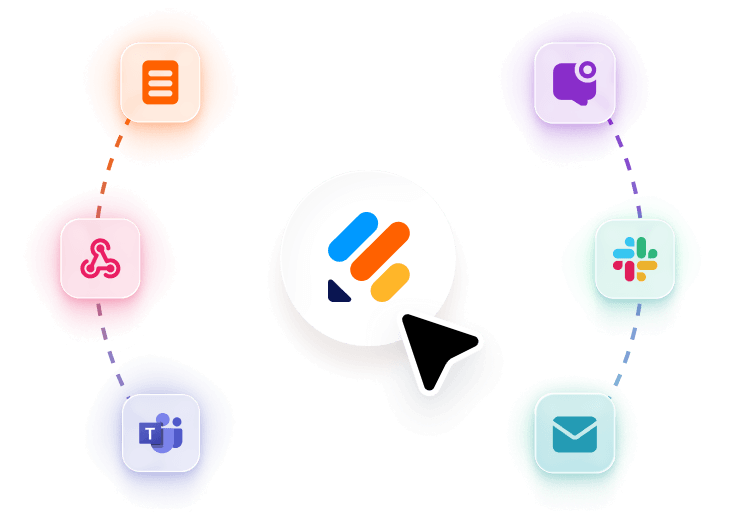
Adjust the message content, test the workflow, and activate it when it looks right.
Get a WhatsApp message when a new email reaches Gmail, so you can spot important updates without opening your inbox.
Choose the email details that appear in the WhatsApp message, such as the sender, subject, or a short summary.
Use the email alert to notice messages that need a quick reply or another action from you.
Keep important Gmail updates visible in WhatsApp so you can review them alongside your other conversations.
Related Workflow Templates
Explore more ready-made workflows and customize them for your needs.
AI Workflow Automation Tools
Explore a suite of powerful AI-driven tools designed to streamline your workflows, enhance productivity, and deliver smarter solutions for your form creation needs.

Google Calendar to Outlook Calendar Automation
Add a Google Calendar event to Outlook Calendar automatically when a new event appears, so your schedule stays in sync across both calendars.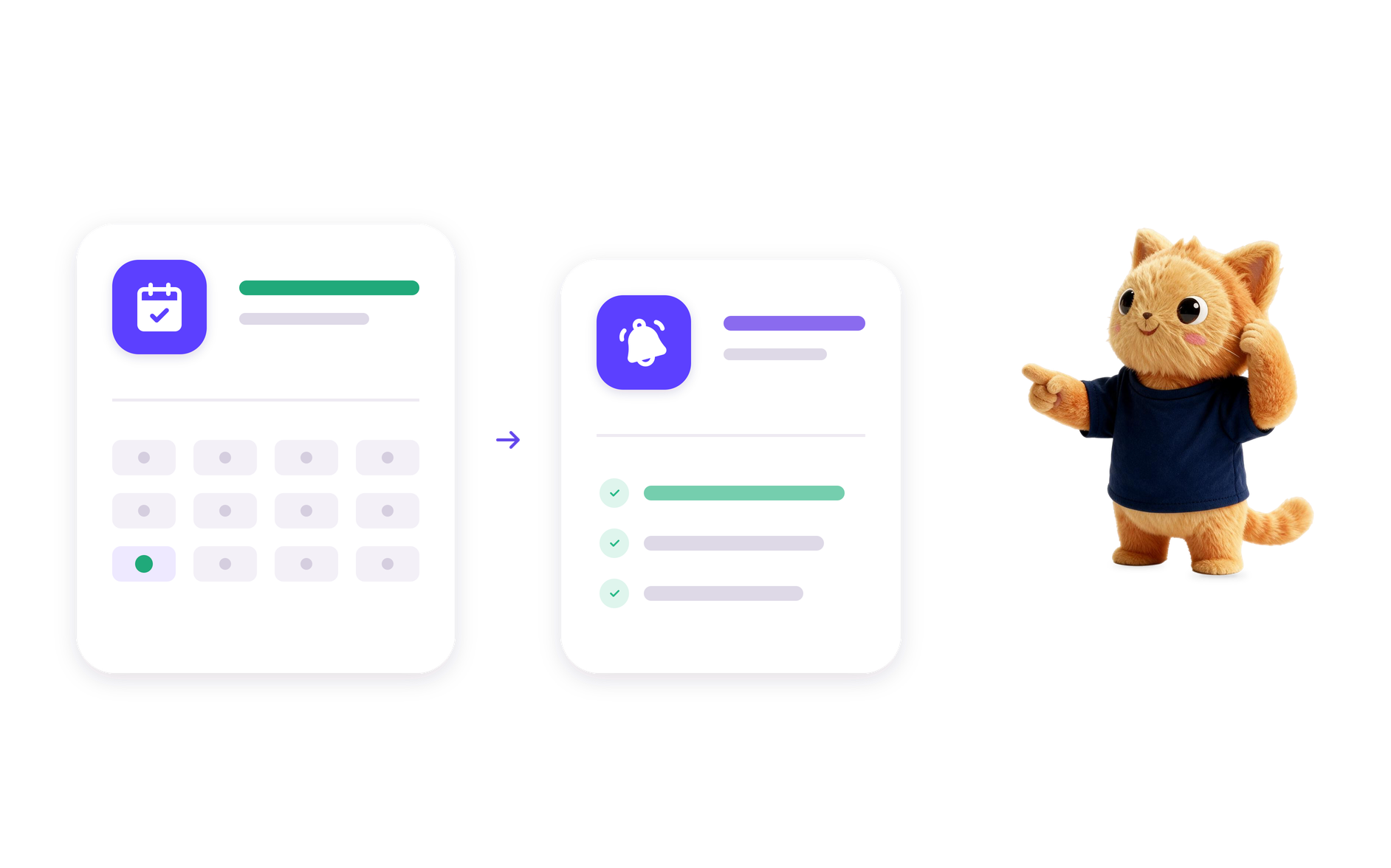
Appointment Reminder Automation
Build an appointment reminder workflow with Jotform AI Workflow Builder from a simple prompt and route reminders, reviews, and follow-ups.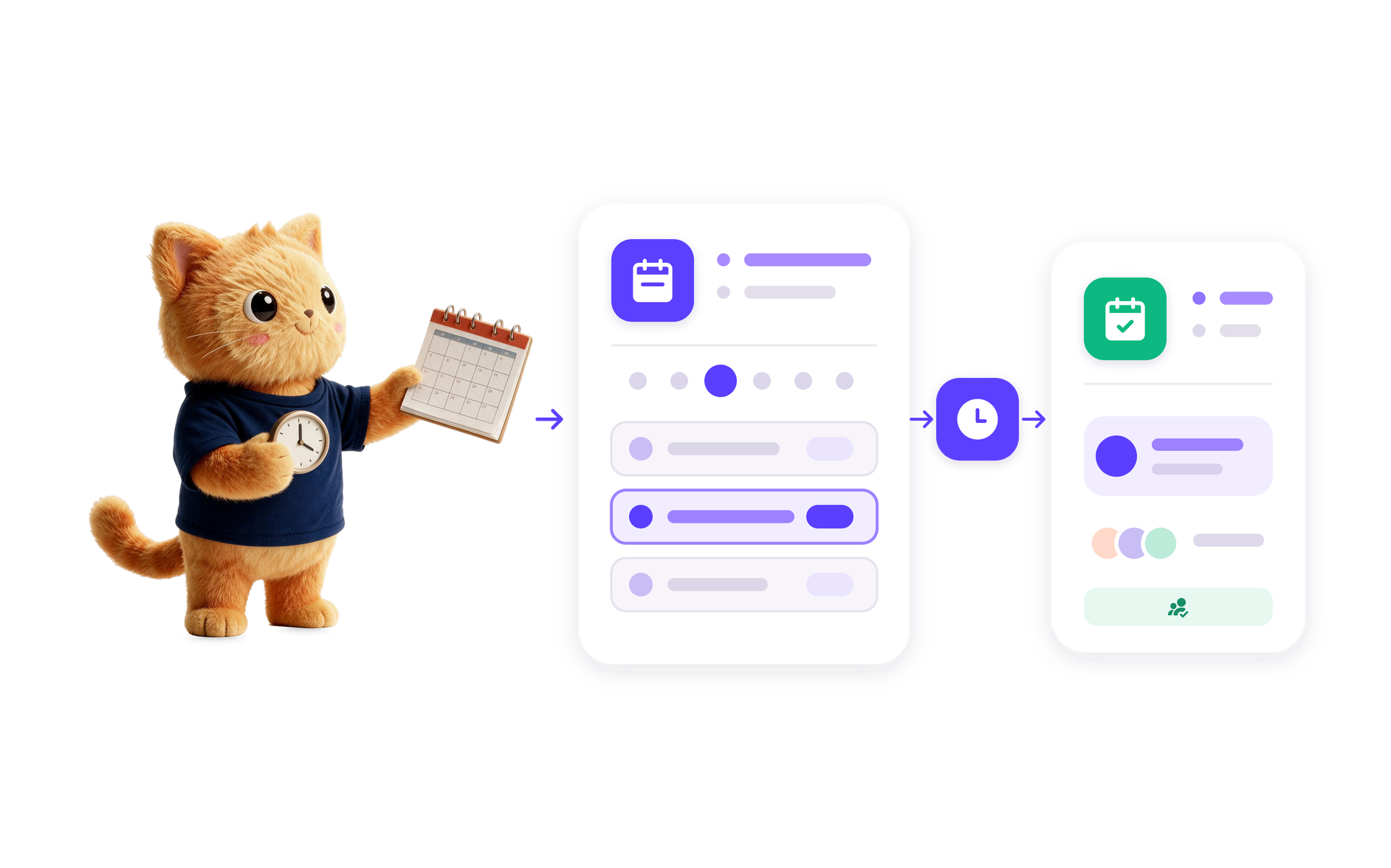
Appointment Scheduling Tool
Create an online scheduling tool workflow from a plain-language prompt with Jotform AI Workflow Builder for booking, routing, and follow-up tasks.
Gmail to WhatsApp Automation
Add a ready-made Gmail to WhatsApp automation that sends a WhatsApp message when a new email arrives, so you can keep up with important messages.
Gmail to SMS Automation
Set up a Gmail to SMS automation that sends an SMS when a new Gmail message arrives, so you can react quickly to important email.
Google Sheets to Microsoft Excel Automation
Add new Google Sheets rows to Microsoft Excel with a ready-made workflow that keeps your spreadsheet data moving into an existing workbook.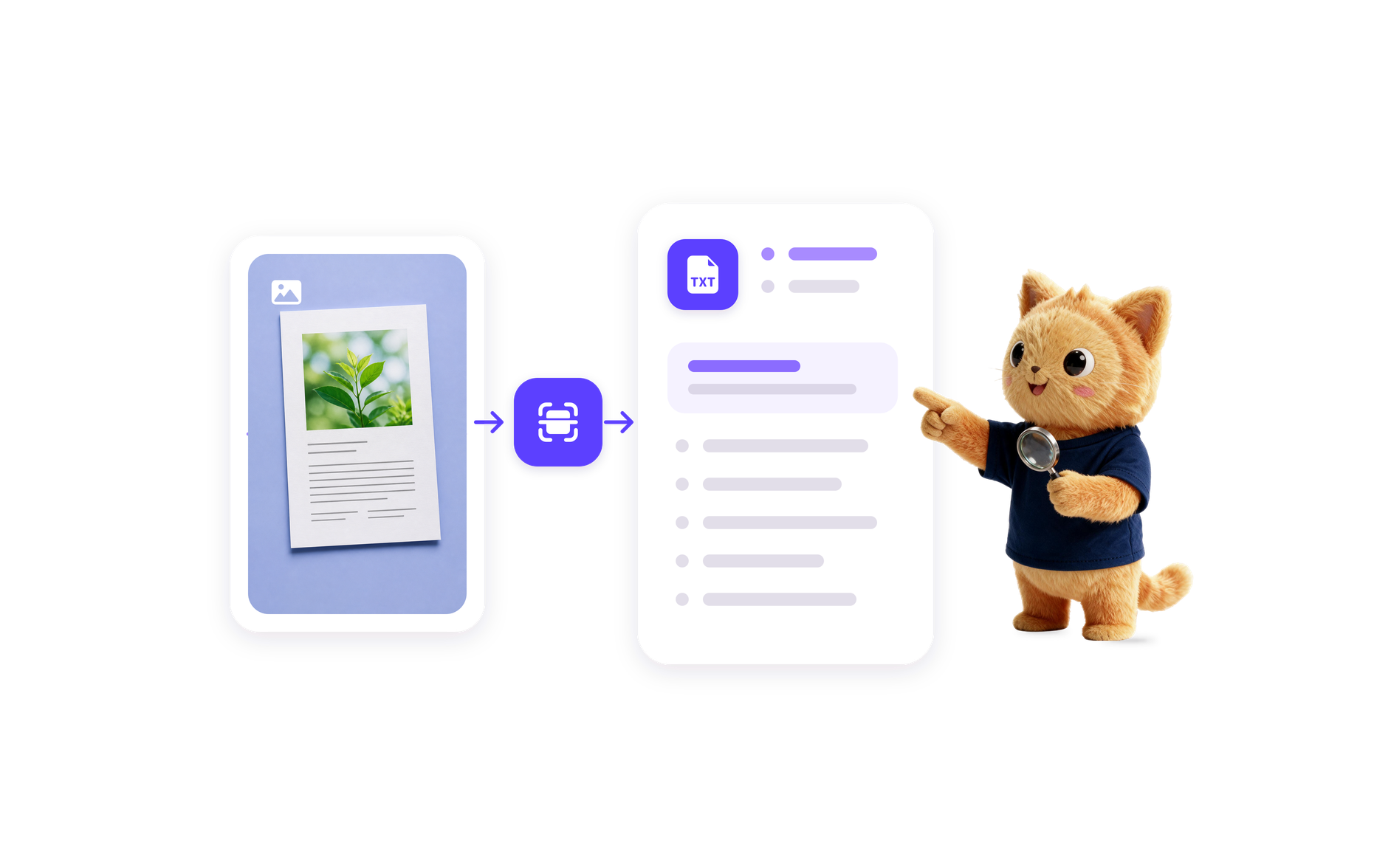
Image to Text Automation
Transform images into editable text with Jotform's AI Workflow Generation. Streamline your processes today!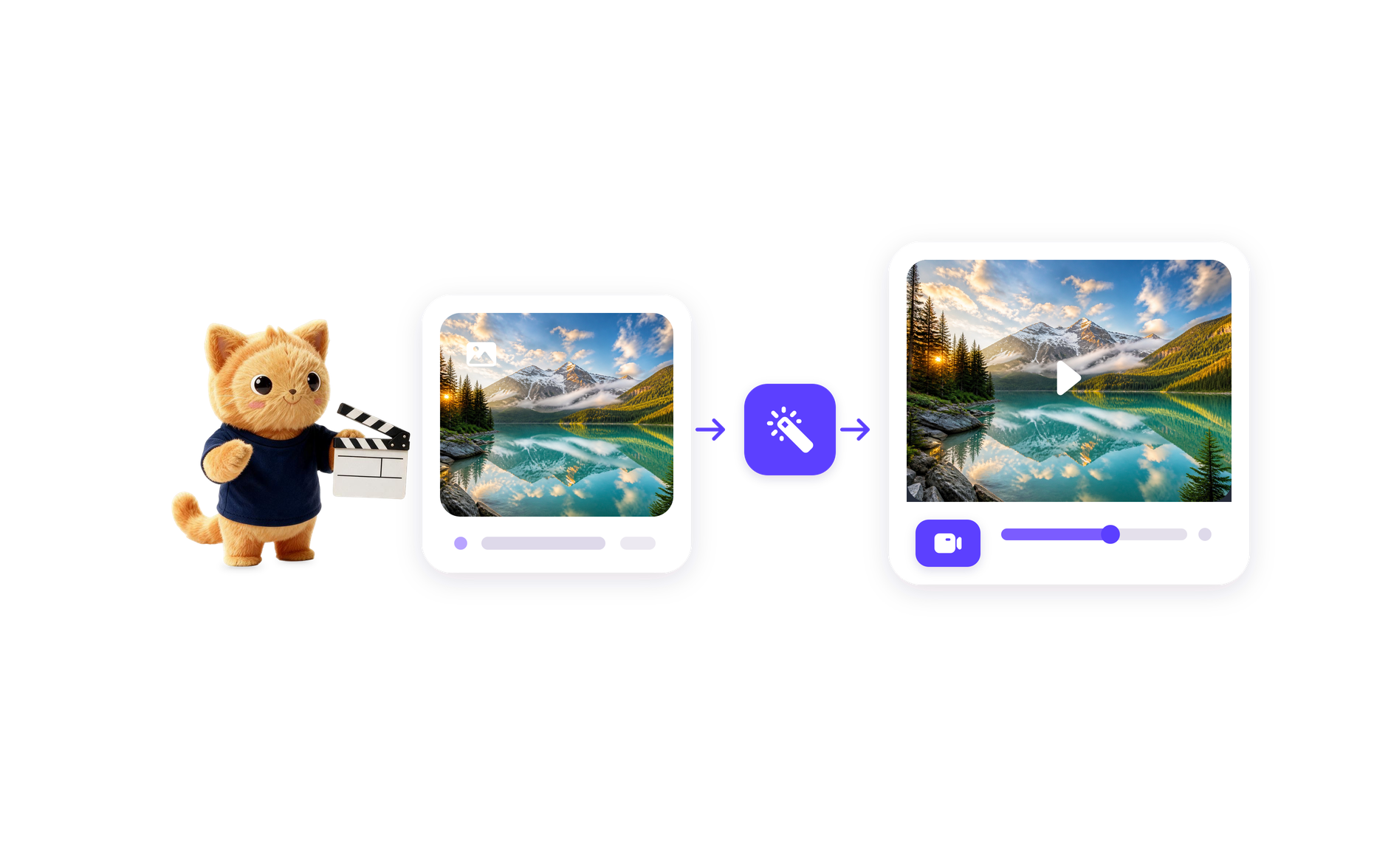
AI Image to Video Automation
Transform images into engaging videos with Jotform's Image to Video AI Generator. Automate your video creation process today!
Video Summarization Automation
Create efficient video summaries using Jotform AI Workflow Generation. Simplify your video content management today!Gmail to WhatsApp Automation is a ready-made workflow that sends a WhatsApp message when a new Gmail email arrives. It helps you follow important messages in a place you check often.
It watches Gmail for new emails and then sends the details you choose to WhatsApp. This creates a direct alert so you can notice new messages without checking your inbox constantly.
You can use it for email alerts, priority message notices, and quick follow-up reminders. It is useful whenever a new email should trigger an immediate WhatsApp update.
Yes. This ready-made workflow is already set up for Gmail to WhatsApp messaging, so you can add it to your account and then tailor it to your needs.
Click Create Workflow, connect Gmail and WhatsApp, customize what message details are sent, test the workflow, and activate it when it matches how you want to use it.
Start with the ready-made workflow, connect your accounts, and customize it for your process.